
In CS2, you can’t pick your server region directly. The game automatically connects you to the server closest to you with the best ping. But there are some ways to influence which server you get, like adjusting your maximum ping or using a VPN. These tricks help you play with friends in other countries, even though Valve doesn’t officially allow region changes.
Changing Your Server Region in CS2
Since no console command allows direct server selection, you must rely on manipulating the game’s ping tolerance or blocking unwanted server locations.
1. Increase Your Max Acceptable Ping
The most straightforward way to change your region is by telling the game you are willing to accept higher latency.
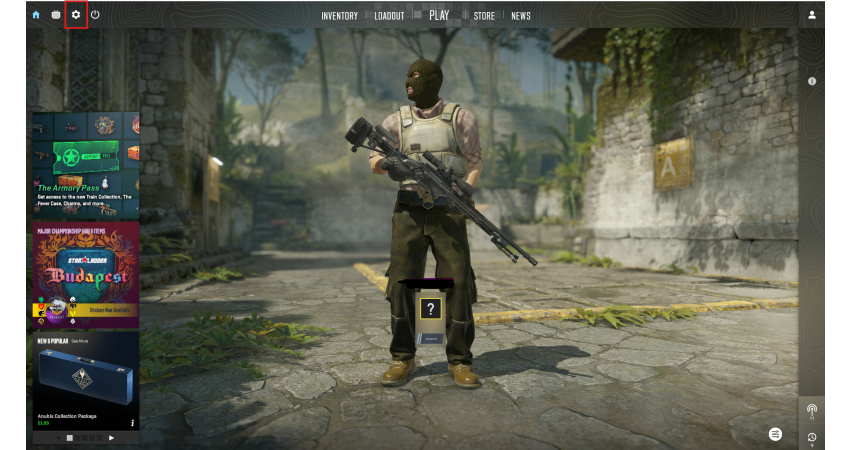
- In-Game Settings: Go to the Settings menu (gear icon) and navigate to the Game tab.
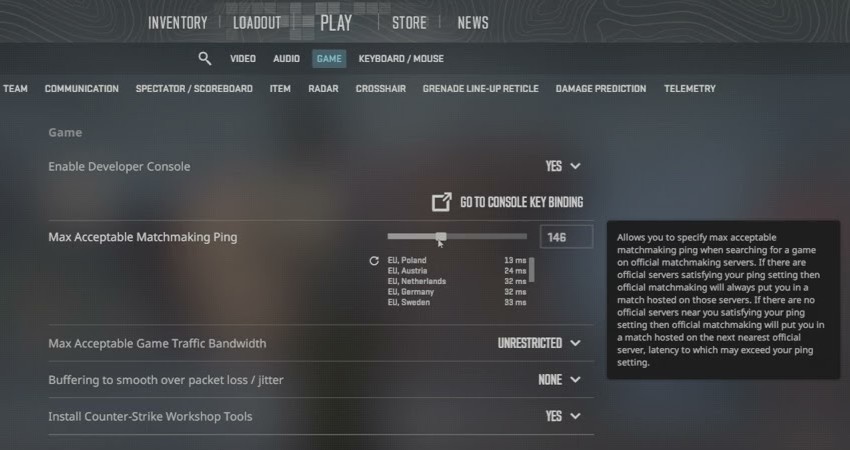
- Max Ping Slider: Locate the Max Acceptable Matchmaking Ping setting.
- Adjust Value: Increase this value significantly. This allows the game to search for and connect to more distant servers, including those in other regions.
2. Use a VPN
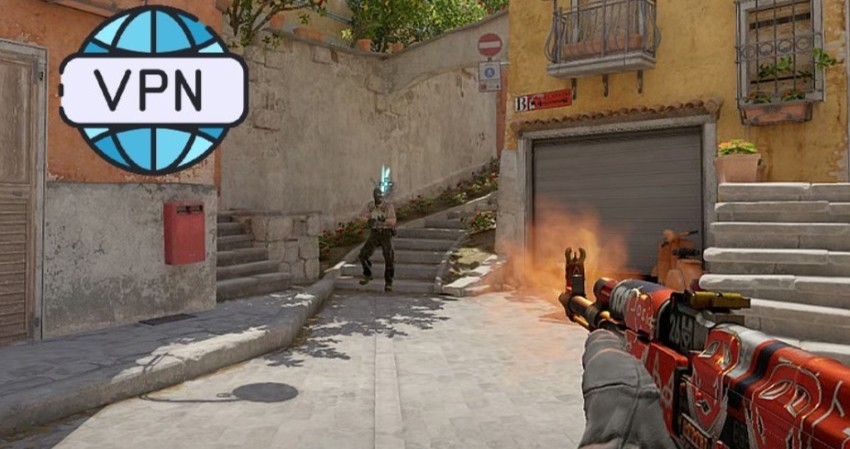
A VPN routes your internet connection through a remote server, making the game believe you are physically located in that region.
- Connect VPN: Launch your VPN application and connect to a server in your desired region.
- Launch CS2: Launch the game through Steam while the VPN is active. The matchmaking system will now prioritizeservers near your VPN location.
- Warning: VPNs typically introduce latency, which may negatively affect your gameplay, so use a reputable provider.
[RELEVANT: How To Get Better in CS2?]
Conclusion
Even though you can’t directly change your region in CS2, you can influence it. Start by adjusting your max ping setting; it’s the official and safest method. If you want, VPNs or server-blocking tools can also work, but they might slow your game, so use them carefully.