Bullet tracers in CS2 are lines that show the path of your bullets, making it easier to see exactly where you are shooting. They are great for learning recoil patterns and improving aim. While you can use simple tracers in normal matches, the full tracer commands with bullet impacts only work in offline practice or custom servers, so you can safely train without affecting real games.
Enabling Bullet Tracers In CS2
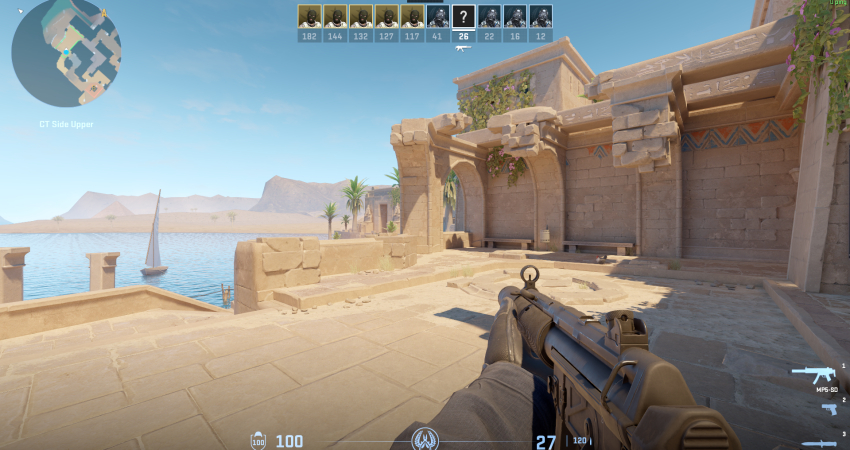
You can control the visibility of your own tracers in all modes, but you need administrator rights to enable server-side impacts for spray practice.
1. Enable Bullet Tracers for Your Own Shots
This command affects only your first-person view and works in all modes, including official matchmaking.
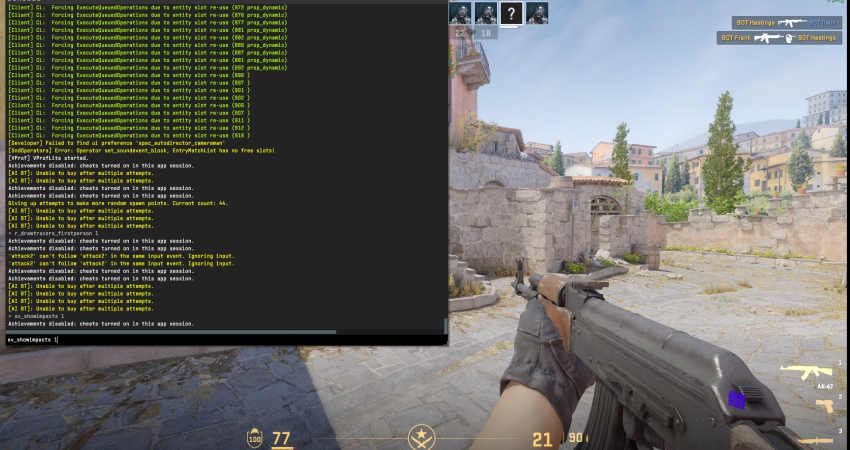
- Enable/Disable: Open the console (~) and type r_drawtracers_firstperson 1 to turn your tracers ON.
- Toggle OFF: To remove them, use the command r_drawtracers_firstperson 0.
- Binding: You can bind this command to a key for quick toggling, which is useful for players who find them distracting.
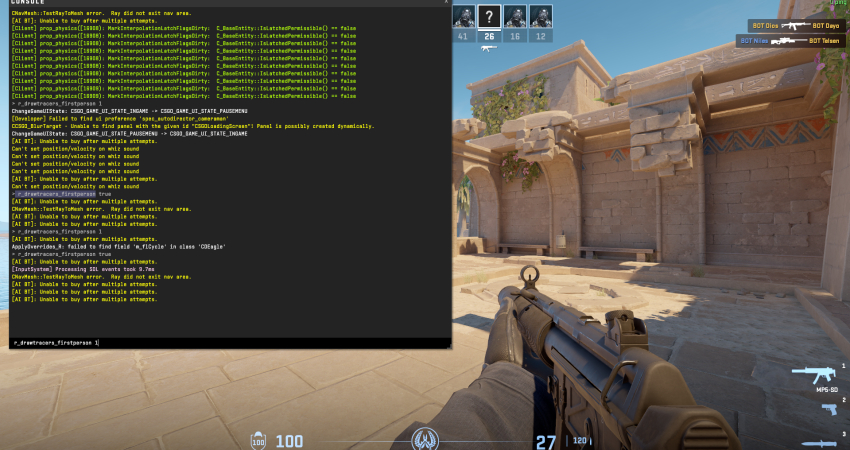
2. Enable All Bullet Paths and Impacts (Server-Side)
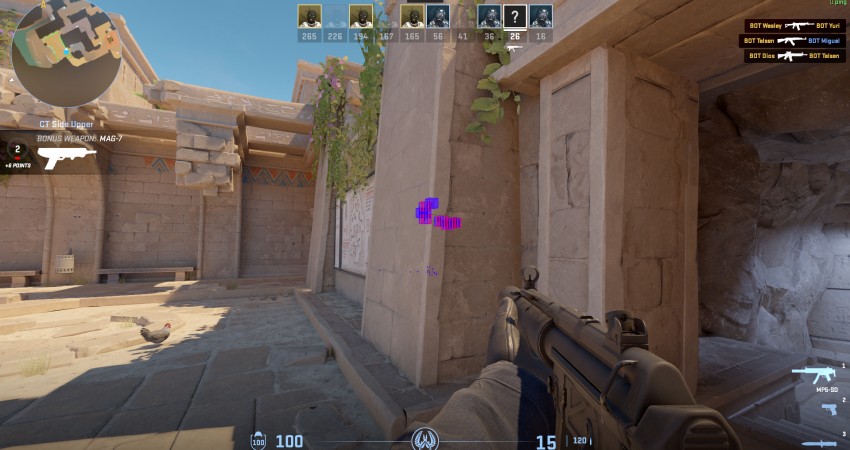
This is an invaluable tool for practice, as it shows where every bullet hits the map, marked with colored squares.
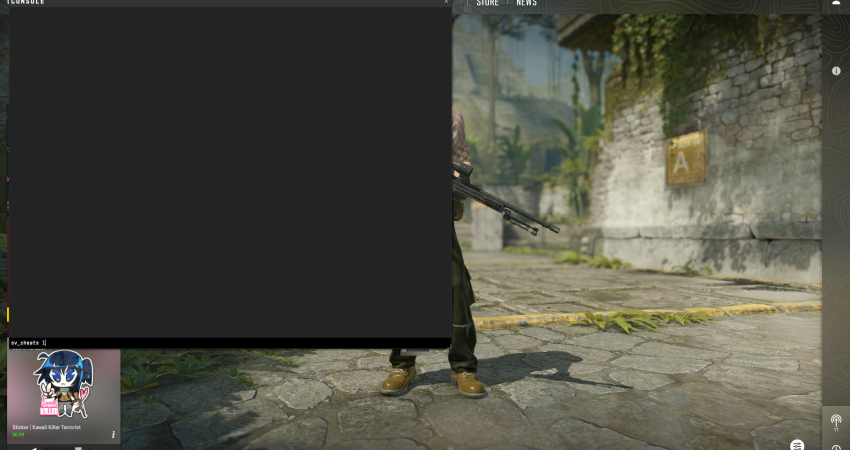
- Enable Cheats: Start an offline match or custom server and type sv_cheats 1.
- Show Impacts: Enter the command sv_showimpacts 1 to see the bullet impact markers instantly.
- Practice Aid: Use this feature to analyze your recoil pattern against a wall and quickly correct your spray.
[RELEVANT: How To Get Better in CS2?]
Conclusion
Using bullet tracers and impact markers is a powerful way to practice your shooting in CS2. They help you see exactly where your bullets go, understand spray patterns, and improve your aim faster. Remember, the full practice tools only work in offline or custom games, so use them there to get better while keeping competitive matches fair.