The “God Mode” command in CS2 makes you invincible, so you can’t die during practice. It’s perfect for testing maps, weapons, and strategies without worrying about losing. This command only works in offline games or private servers where cheats are allowed; you cannot use it in official matches.
Command to Enable God Mod
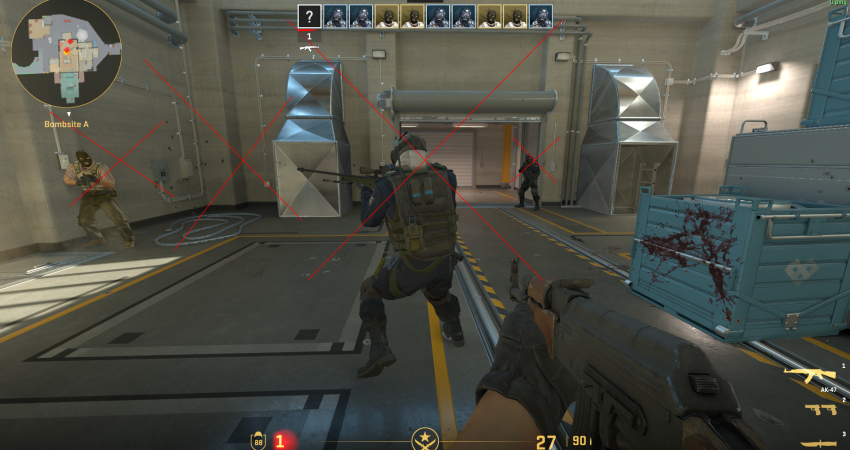
The traditional god command from older Source games is often replaced or supplemented in CS2 by the buddha command, which provides invulnerability without removing all damage feedback.
1. Enable God Mode (buddha Mode)
First, you must set up a private match with bots or a custom server where you have administrator privileges.
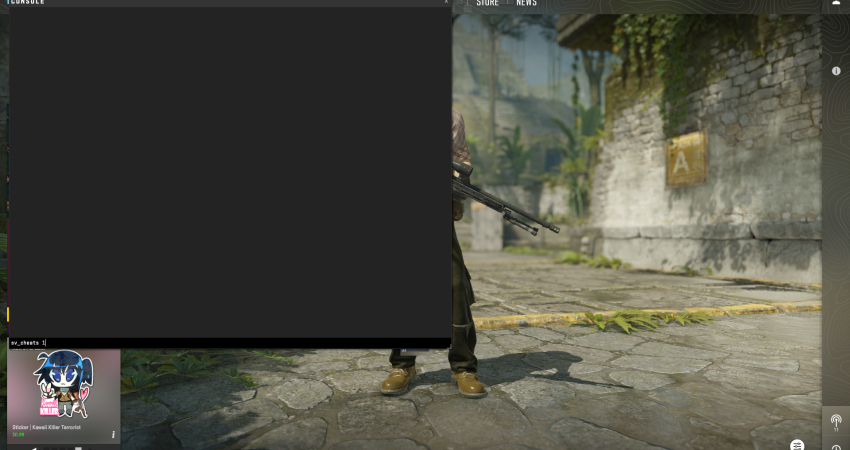
- Enable Cheats: Open the console (~) and type sv_cheats 1 and press Enter. This is the crucial step that unlocks all advanced developer commands.
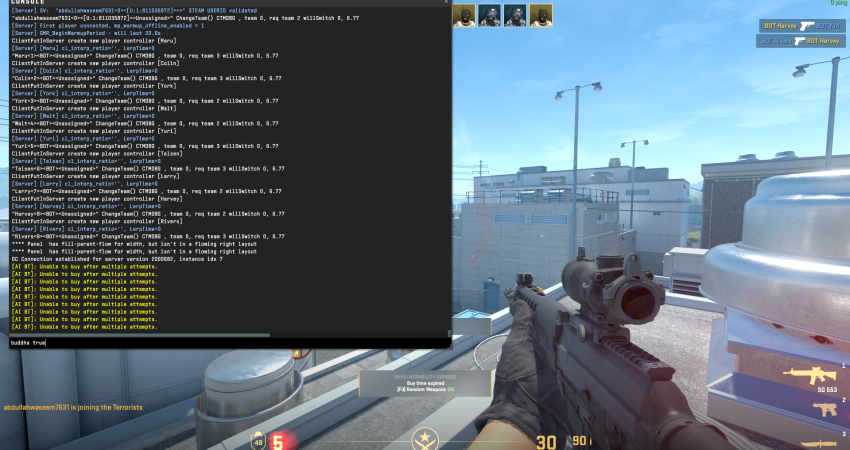
- Buddha Mode: Enter buddha true and press Enter. This mode prevents your health from dropping below 1 HP, allowing you to survive lethal damage while still receiving hit feedback.
- God Mode: Alternatively, you can try the older command god. While buddha is generally more reliable in CS2, god toggles complete invulnerability, where you take zero damage from anything.
[RELEVANT: How To Get Better in CS2?]
Conclusion
God Mode and Buddha Mode are great for practicing without interruptions and trying out new strategies. Always remember to use these commands only in offline or private matches. Using them in official CS2 games will get your account permanently banned, so stick to safe practice environments.