Sometimes when you start CS2, the screen stays black even though you can hear the game playing. This usually happens because the game’s display settings don’t match your monitor, or some game files are broken. Don’t worry, there are easy steps you can follow to fix it and get back to playing.
Fixing The Black Screen in CS2
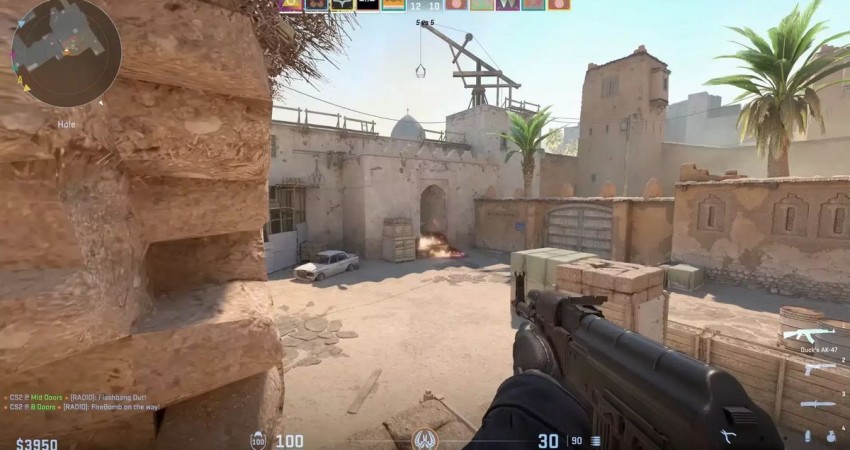
The best fixes involve using Steam’s built-in tools to force a different launch configuration or verify file integrity.
1. Adjust Launch Options to Reset Display
This is the most frequent fix, forcing the game to bypass conflicting display settings.
- Reset Settings: Go to Steam Library, right-click CS2 > Properties > General, and enter -autoconfig. Run the game once to reset settings, then remove this command.
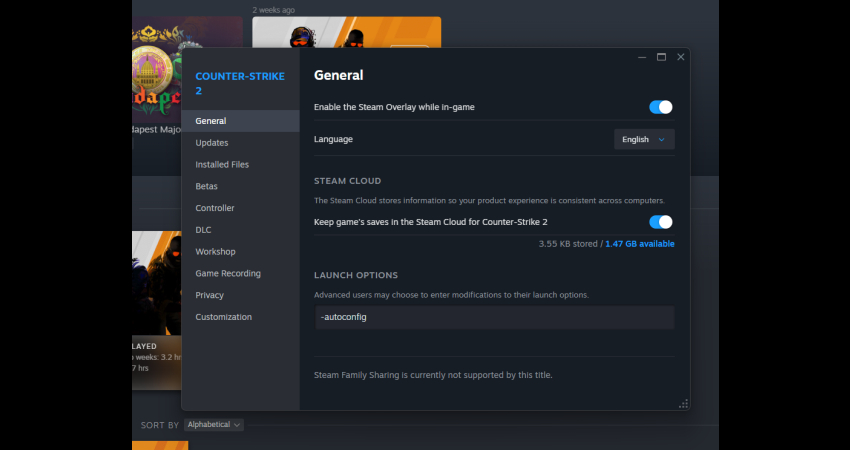
- Force Windowed Mode: If the above fails, try adding -windowed -w 1920 -h 1080 to force windowed mode at your native resolution (adjust numbers as needed).
2. Verify Game File Integrity
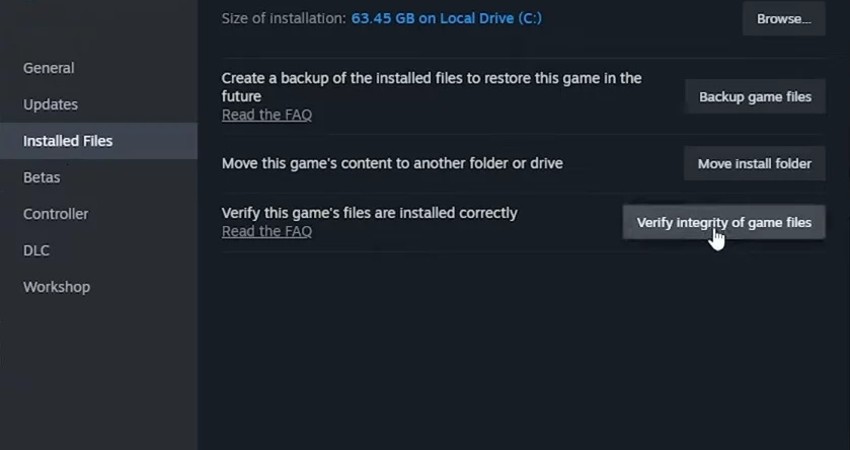
Corrupted or missing files are a common culprit for black screen issues and are easily fixed through Steam.
- Steam Library: Right-click CS2 and select Properties.
- Installed Files: Go to the Installed Files tab and click Verify integrity of game files. Steam will scan and automatically redownload any necessary missing or broken files.
3. Update GPU Drivers and Settings
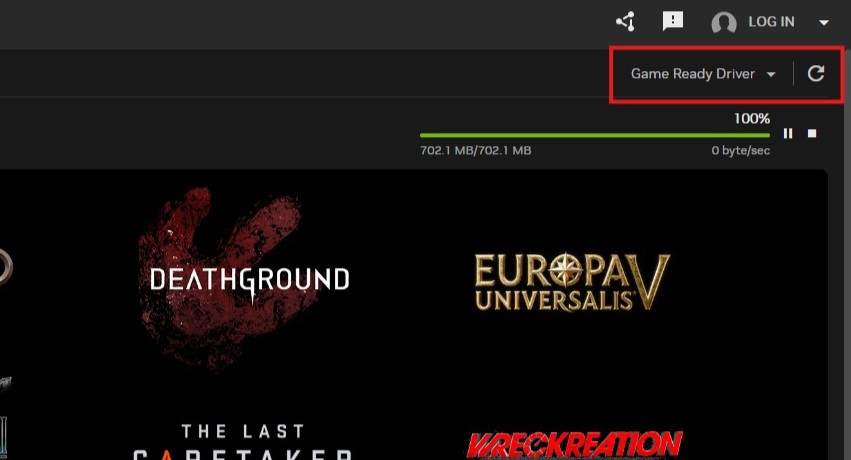
Outdated or buggy graphics drivers frequently cause display conflicts with new games like CS2.
- Update Drivers: Go to your GPU manufacturer’s website (NVIDIA, AMD, or Intel) and ensure you install the latest Game Ready Driver version.
- Compatibility: Navigate to the cs2.exe file (in the …/win64 folder), right-click, select Properties, and in the Compatibility tab, check Disable fullscreen optimizations.
[RELEVANT: How To Get Better in CS2?]
Conclusion
Fixing a black screen in CS2 is all about starting simple: reset the game’s display settings, check your files, and make sure your graphics drivers are up to date. If those don’t work, using windowed mode or switching the graphics API usually does the trick. By following these steps, you’ll be back in the game without stress or delays.