The “Gen Code” (short for Generation Code) is a community-made command, written as !gen, that lets you spawn and look at custom skins for guns, knives, or gloves in Counter-Strike 2. It’s not made by Valve, so it only works on special third-party servers that support it. You can’t use it in normal matchmaking or official games.
How to Use the !gen Command

To successfully generate a specific skin, you must first connect to a compatible community server and then correctly construct the code using four main item parameters.
1. Find a Compatible Server
The first step is to locate and connect to a community server that explicitly supports the !gen command. These are typically labeled as “Skin Inspect Servers” or “Gen Code Servers.” You must connect using the developer console, typing connect [server IP address].
2. Understand the Formula
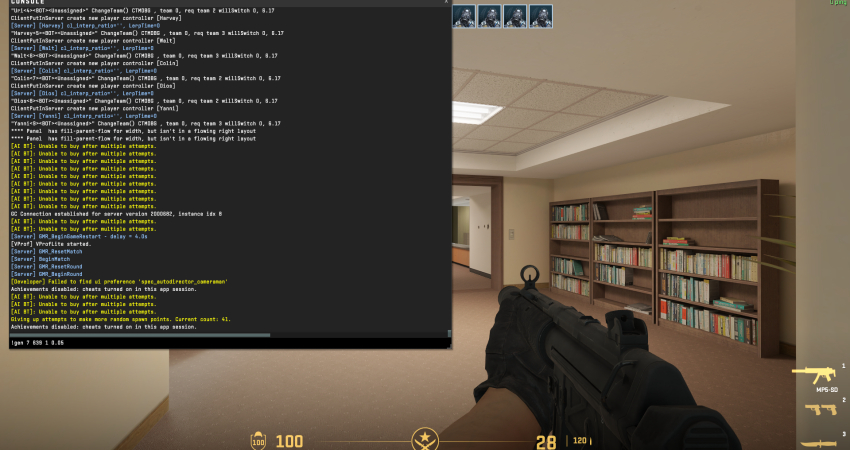
The command follows a strict structure that must be typed into the in-game chat or console. The basic formula is always:
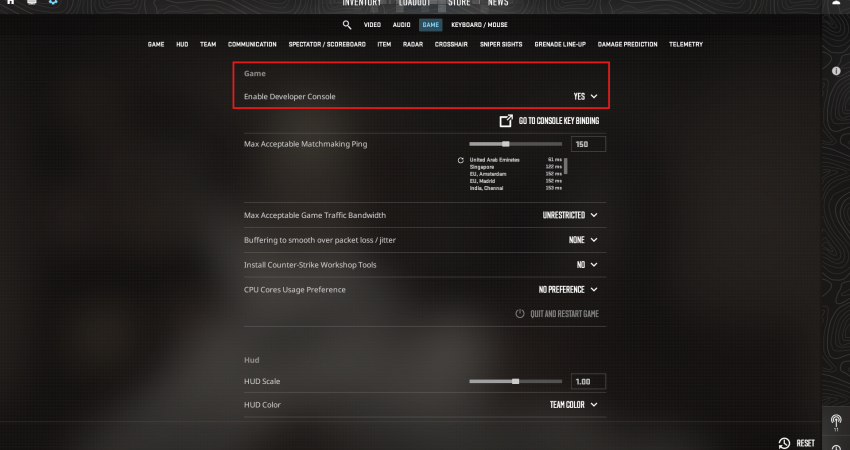
!gen [Weapon ID] [Skin ID] [Pattern Index] [Float Value]
3. Finding the Necessary IDs
You need to identify the numerical values for the four required parameters, which are often found on external skin databases or trading sites:
- Weapon ID: A numerical identifier for the gun (e.g., AK-47 is 7).
- Skin ID: The specific identifier for the skin, which must be looked up separately.
- Pattern Index: A number (0–1000) that determines how the texture wraps around the weapon (e.g., specific Blue Gem patterns).
- Float Value: A value between 0.00 (Factory New) and 1.00 (Battle-Scarred) that determines the skin’s wear level.
4. Execute the Code
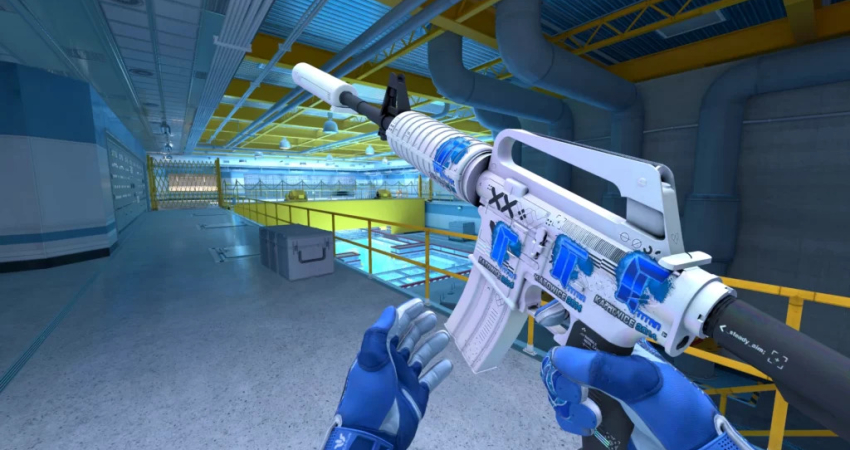
Once you have the full code (e.g., !gen 7 639 1 0.05), open the in-game chat or the developer console and paste the entire command. Press Enter, and the custom item will instantly spawn in your character’s hands for inspection.
[RELEVANT: How To Get Better in CS2?]
Conclusion
The !gen command is a great way for skin collectors to see rare and expensive items up close without spending any money. By learning the formula and checking the right IDs and float values, you can make sure you get exactly the skin and pattern you want. Remember, it only works on special community servers, but it’s a fun and safe way to explore your dream collection.