In CS2, you can’t just restart a round instantly in normal matches, but in practice or offline games with bots, you can reset a round anytime using console commands. This is perfect for practicing grenades, strategies, or aiming drills because you can start fresh without waiting for the round to end.
Commands to Restart the Match or Round
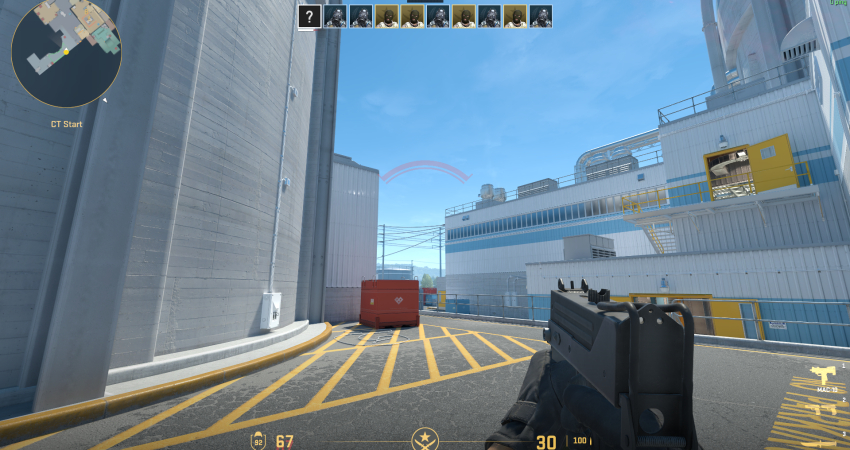
To restart the game or round, you must first have administrative rights on the server, which requires enabling cheat commands.
1. Enable Console and Cheats
You must set up a private match with bots or a custom server where you have administrator privileges.
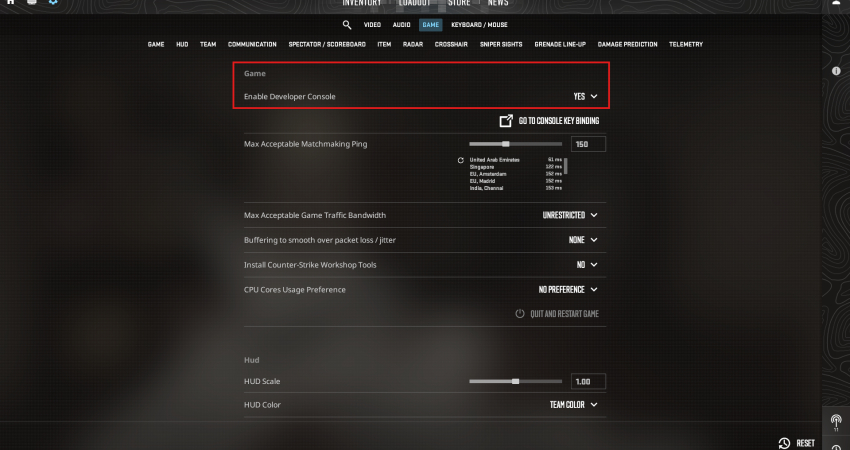
- Enable Console: Ensure the Developer Console (~) is enabled in your game settings.
2. Resetting A Round
- Enable Cheats: Open the console menu and type: sv_cheats 1
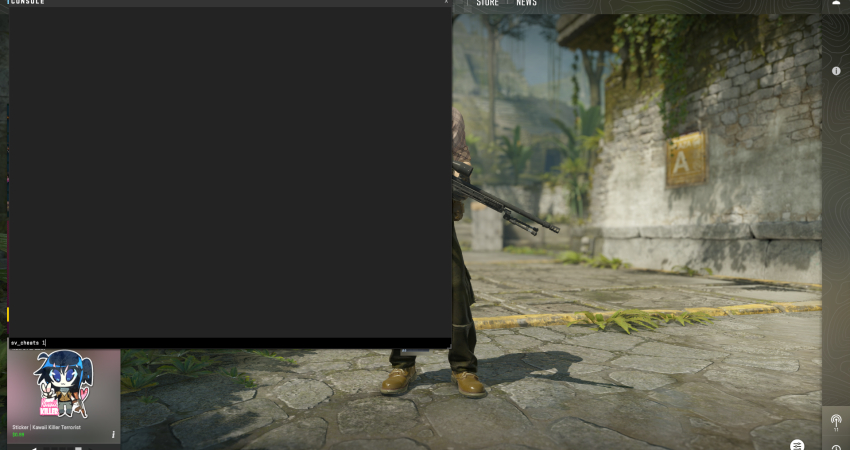
- Resetting The Round: Type endround in the console command, it’ll end the current round, and you can start the next, essentially resetting the previous one.
[RELEVANT: How To Get Better in CS2?]
Conclusion
Binding the round reset command to a key makes practice much faster and easier. You can instantly restart rounds, refresh your money, and try the same scenario again and again. Just remember, this only works in private or offline matches; official matchmaking won’t allow it.