In CS2, you can summon and place bots to create your own practice targets. This is perfect for training grenade throws, aiming, and spray control. These commands only work in offline matches or private servers, so you can practice safely without affecting real players.
Commands to Summon Bots for Practice
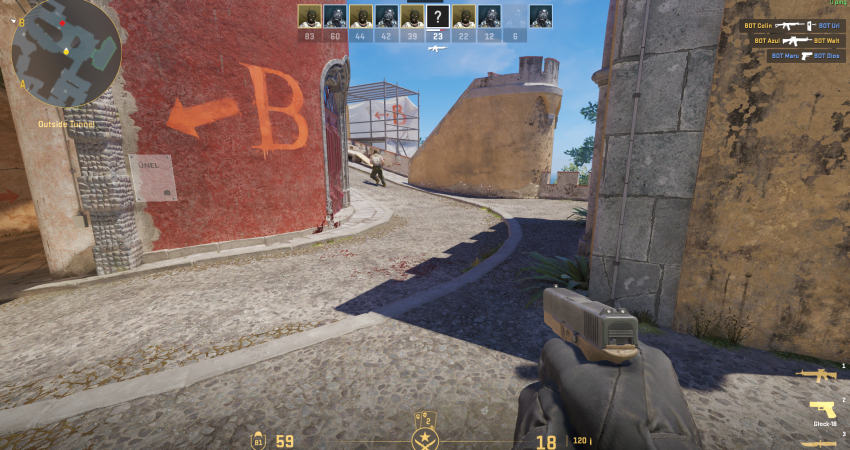
To gain full control over the bots, you must use a sequence of console commands to add them and then manually place them where you want.
1. Enable Cheats and Add a Bot
You must first set up a private match with bots or an offline practice session where you have administrator privileges.
- Enable Console: Ensure the Developer Console (~) is enabled in your game settings.
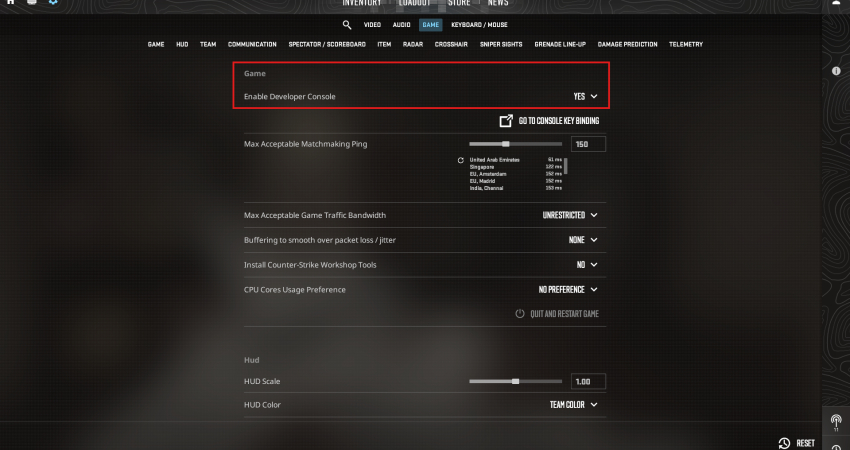
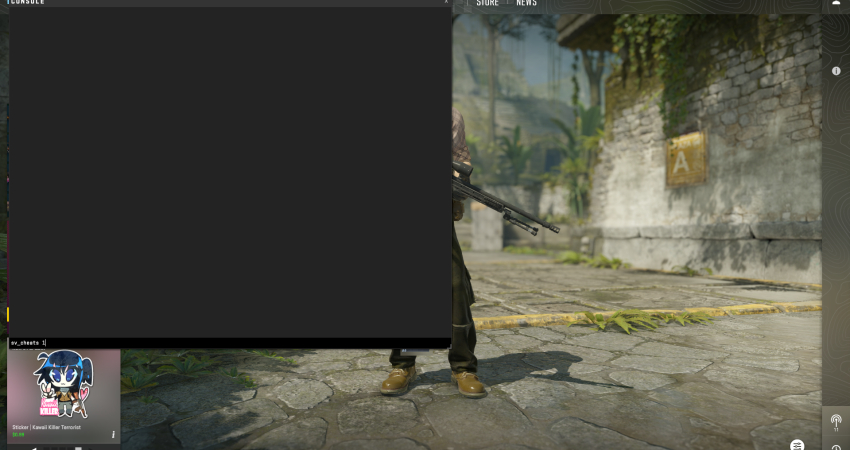
- Enable Cheats: Open the console and type sv_cheats 1 and press Enter. This unlocks the necessary bot placement commands.
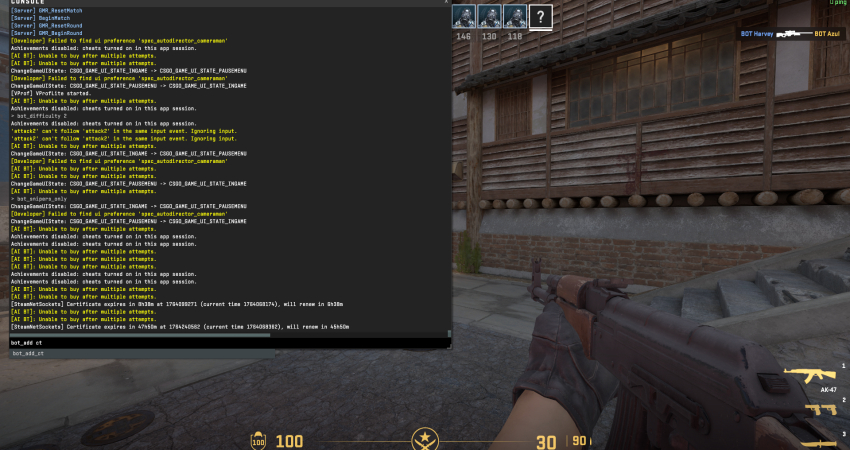
- Add Bot: Use bot_add t (for Terrorist) or bot_add ct (for Counter-Terrorist) to spawn a bot into the game.
[RELEVANT: How To Get Better in CS2?]
Conclusion
Knowing how to summon and place bots lets you make practice sessions much more effective. You can create frozen targets exactly where you want them, helping you improve aim, utility throws, and pre-fire spots. Using these commands turns solo practice into a smart, repeatable training routine.