

In CS2, “infinite money” is a way to give yourself the most cash while practicing. You can’t use it in normal Competitive or Premier matches, but it’s perfect for private servers or offline games with bots. This helps you buy all your weapons and gear without worrying about running out of cash.
Commands to Achieve Infinite Money for Practice
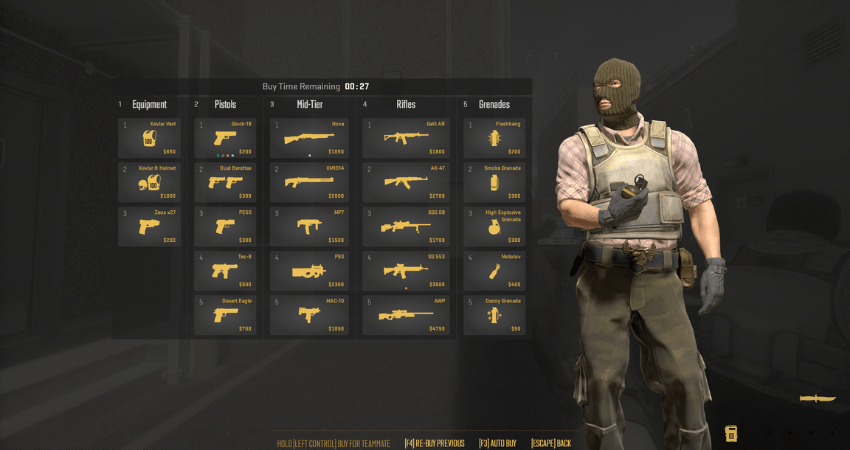
To get and maintain the maximum cash throughout your practice session, you must input a sequence of commands, which includes enabling cheat mode.
1. Enable Cheats and Set Max Limit
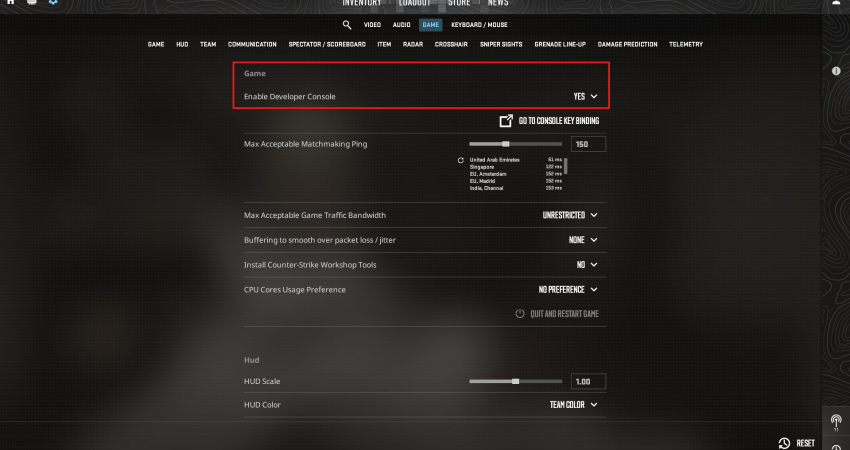
First, you must enable the developer console (~) in your game settings and start the practice server.
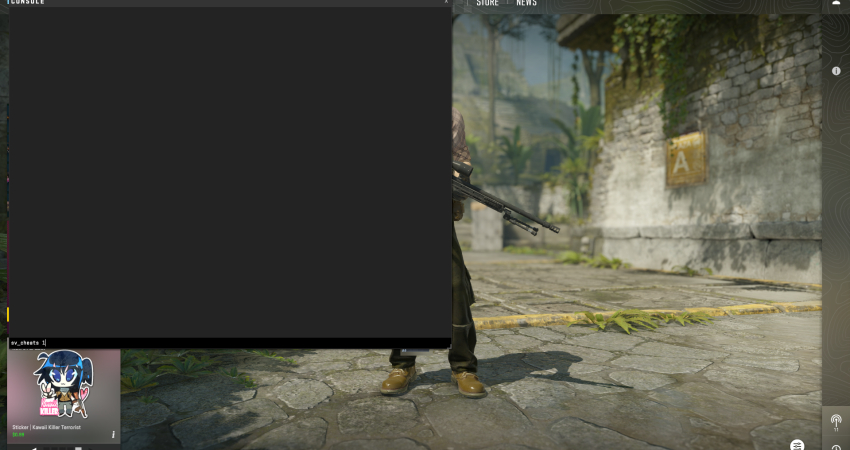
- Enable Cheats: Type sv_cheats 1 and press Enter. This unlocks all advanced practice commands.
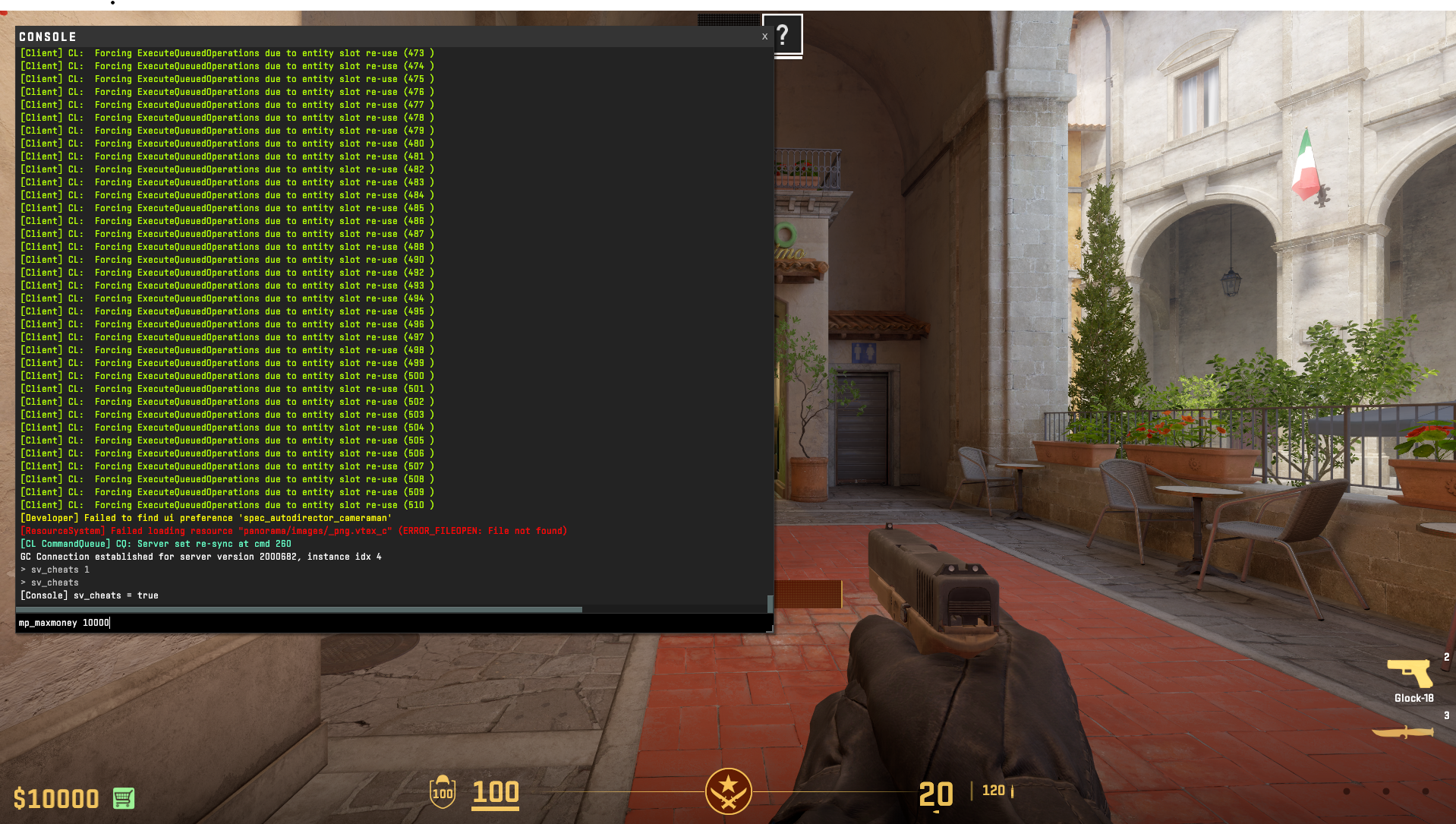
- Set Max Money: Enter mp_maxmoney 10000 to raise the maximum amount of money you can hold to the technical limit.
2. Set Start and Round Money
These commands ensure you begin each round with the maximum amount of money and maintain it.
- Start Money: Enter mp_startmoney 10000 to ensure you start the match with the maximum funds.
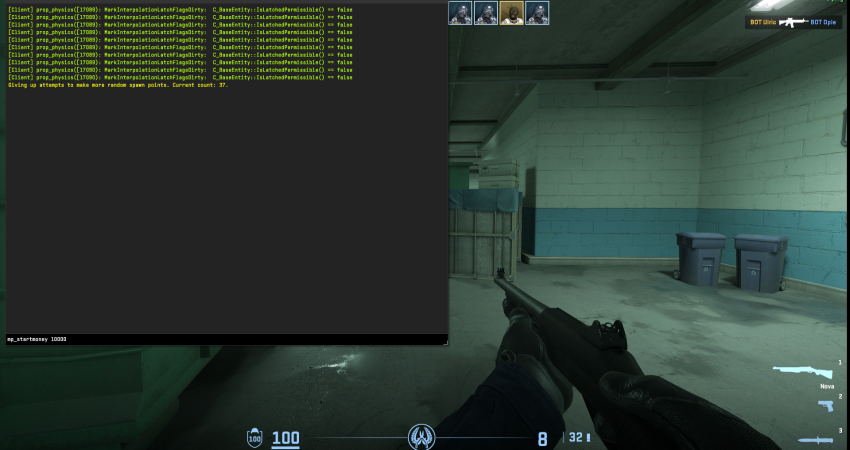
- Round Money: Enter mp_afterroundmoney 10000 to automatically reset your cash to the maximum after every round.
[RELEVANT: How To Get Better in CS2?]
Conclusion
Using these commands in a private or offline game lets you start each round with the maximum cash and keep it throughout your practice. You can even buy anywhere on the map and extend the buy time, making your training smooth and stress-free. Remember, these commands only work in practice, not in real matchmaking games.