A “wallhack command” in CS2 is a cheat tool that lets you see player models through walls. These commands are only for offline matches or private servers where cheats are allowed. They are great for practicing pre-aiming and learning common angles, but they cannot be used in official matches, or you risk losing your account.
Using the Wallhack Commands in CS2
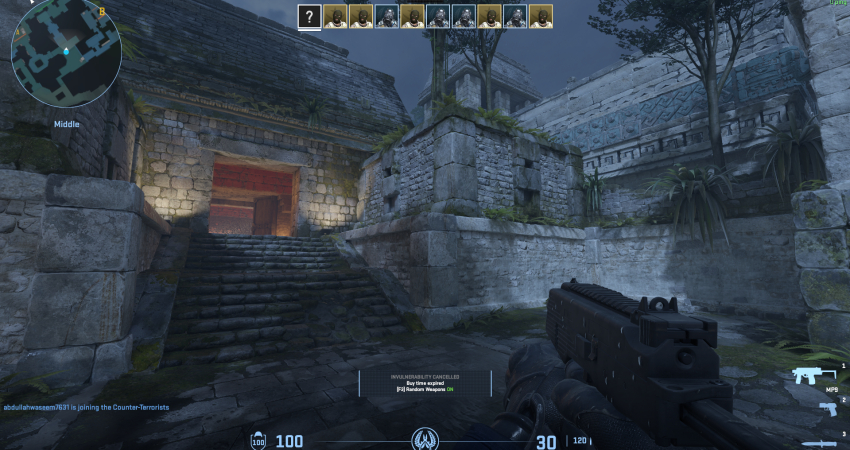
These commands are invaluable for improving game sense, learning pre-fire angles, and anticipating enemy movements in a controlled training environment.
1. Enable Cheat Mode
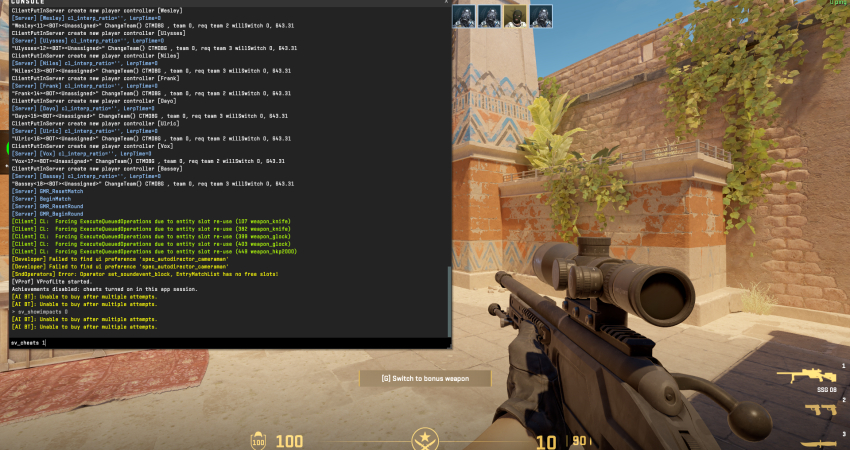
You must first set up a private match with bots or a custom server where you have administrator privileges.
- Enable Cheats: Open the console (~) and type sv_cheats 1 and press Enter. This unlocks all advanced developer commands.
2. Enable Player Model Rendering
This is the closest equivalent to the traditional wallhack, rendering enemy and bot models through walls.
- Activate: Enter the command echo “1” | blink sv_cheats 1;sc_only_render_opaque true;cl_ent_bbox to turn the feature ON and see enemies more clearly by highlighting them
3. Enable World Transparency
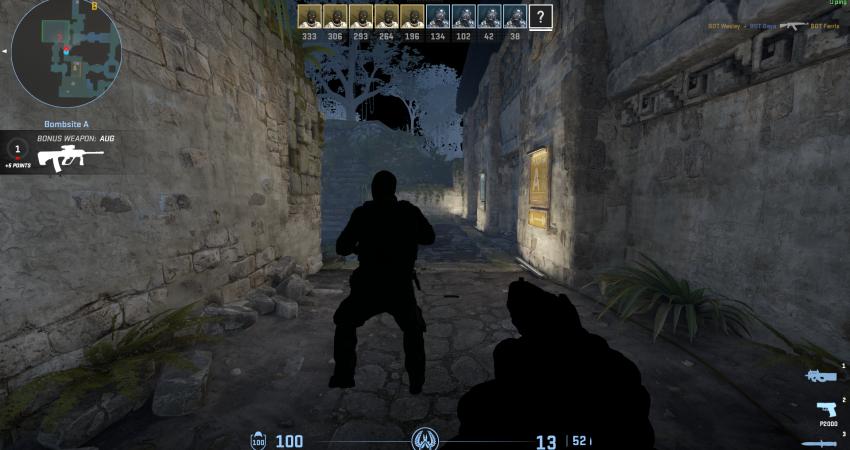
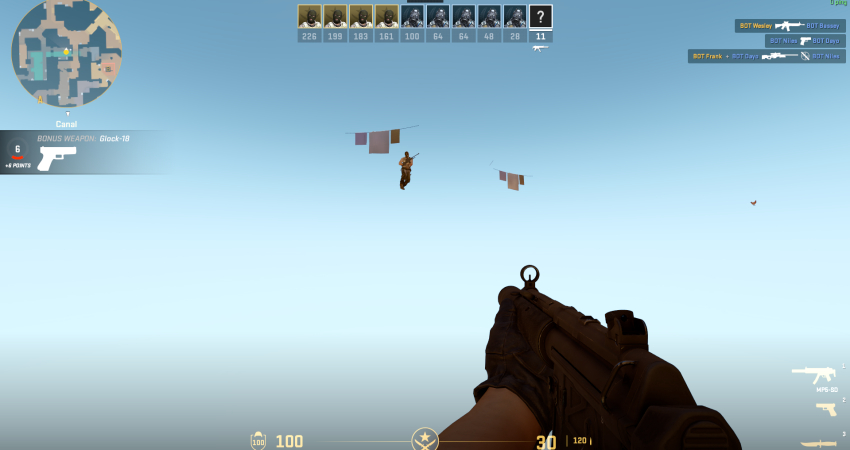
While not a true wallhack, this command makes the entire map geometry transparent, leaving only players and weapons visible.
- Transparency: Use the command r_drawworld 0 to turn the environment off completely.
- Restore: Type r_drawworld 1 to restore the map geometry once you are done with the analysis.
[RELEVANT: How To Get Better in CS2?]
Conclusion
Wallhack commands are strictly practice tools. They help you study maps, learn angles, and improve aim safely in private matches. Never try to use them in official CS2 games; doing so will get you permanently banned. Use them only in offline or custom servers to get better without breaking the rules.