By default, sniper rifles in CS2, like the AWP and Scout, use toggle scope, you click once to zoom in and click again to zoom out. If you want the scope to stay only while you hold the button, you need a console command trick. This workaround makes zooming faster and more responsive, which is perfect for quick snipes.
Using Hold-to-Scope Instead of Toggling Scope
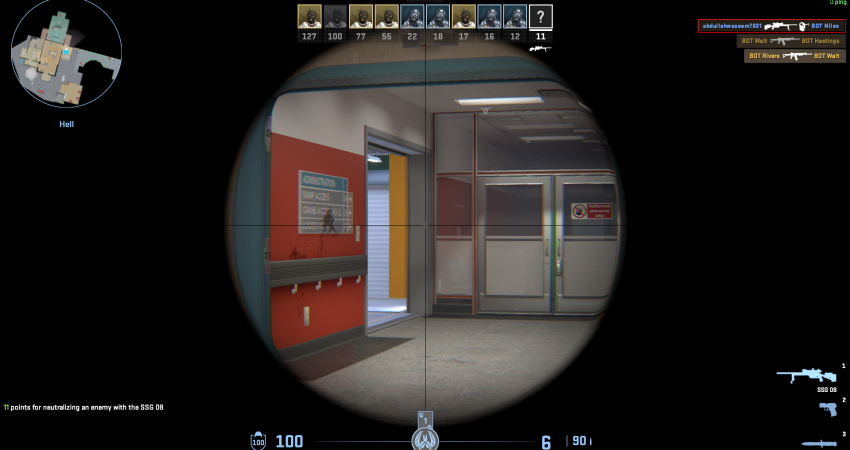
The most effective way to achieve a reliable hold-to-scope function is by creating a specific bind alias in the developer console.
1. Enable Console
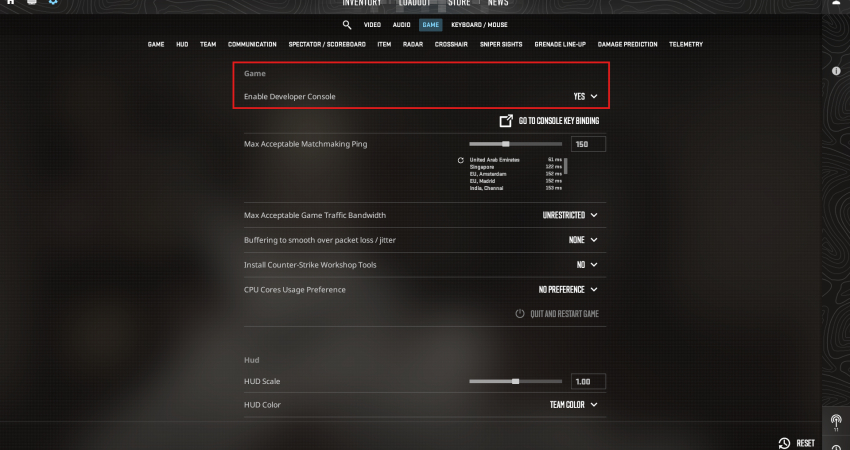
You must first ensure the Developer Console is available to enter the necessary command.
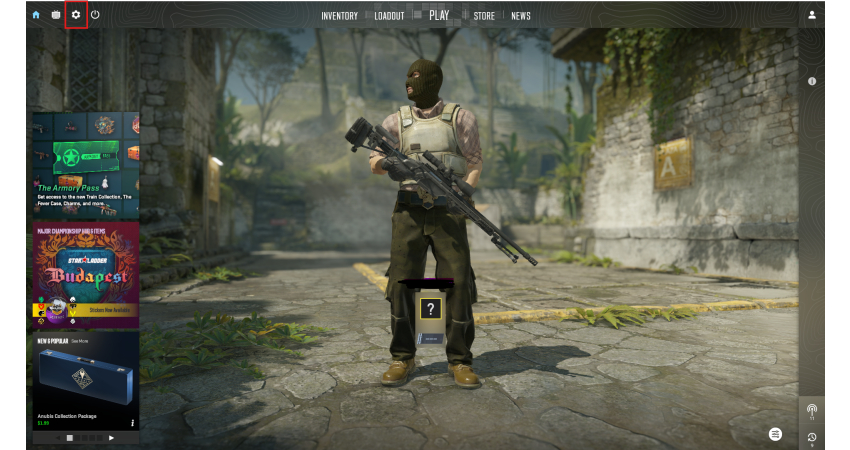
- Settings: Go to the Game Settings menu (gear icon).
- Enable Console: Ensure the Enable Developer Console (~) option is set to Yes.
2. Enter the Custom Bind Command
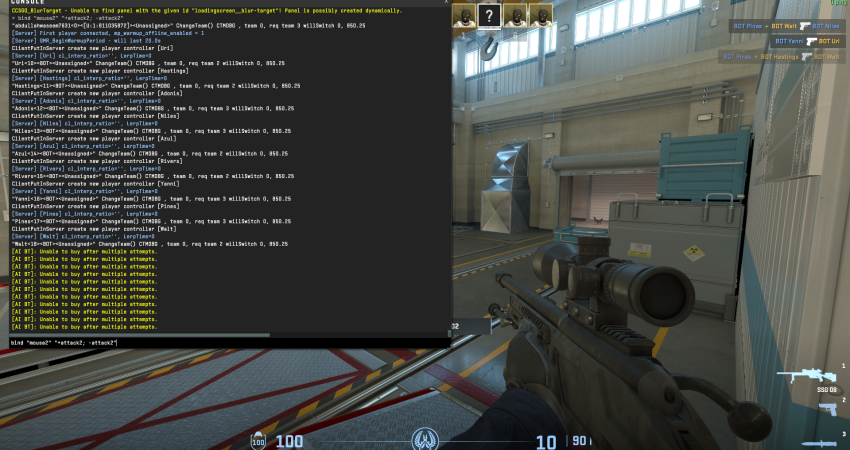
This specific bind forces your Right Mouse Button (RMB) to initiate and immediately release the scope action, making it behave like a hold.
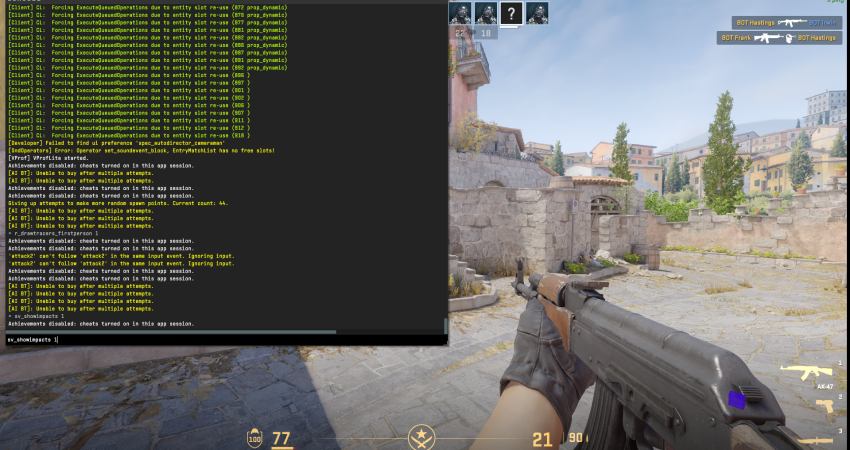
- Open Console: Press the tilde key (~) to bring up the console.
- Enter Command: Type the following command and press Enter: bind “mouse2” “+attack2; -attack2“
[RELEVANT: How To Get Better in CS2?]
Conclusion
Using the hold-to-scope bind makes sniping feel quicker and more precise, but it can make switching zoom levels tricky. To fix this, you may want to bind the second zoom level to another key, like your mouse wheel or an F-key. Always test the bind in a practice match to make sure it works smoothly before playing competitive games.