
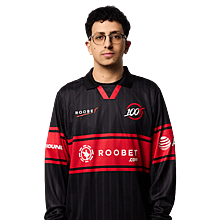

Ag1l CS2 Settings
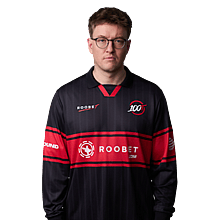
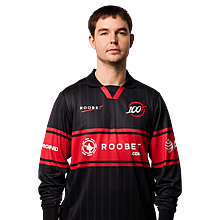
André “Ag1l” Gil is a CS2 player from Portugal, born in 2003. As players have been showing growing interest in the settings he uses, here’s a complete list of Ag1l’s current CS2 settings and gear.

Video Settings
Video Settings
1280x960
4:3
Stretched
105%
Fullscreen
Advanced Video Settings
Enabled
Disabled
Enabled + Boost
Disabled
0
8x MSAA
High
All
Low
Bilinear
Low
Medium
Medium
Performance
Disabled (Highest Quality)
Crosshair Settings
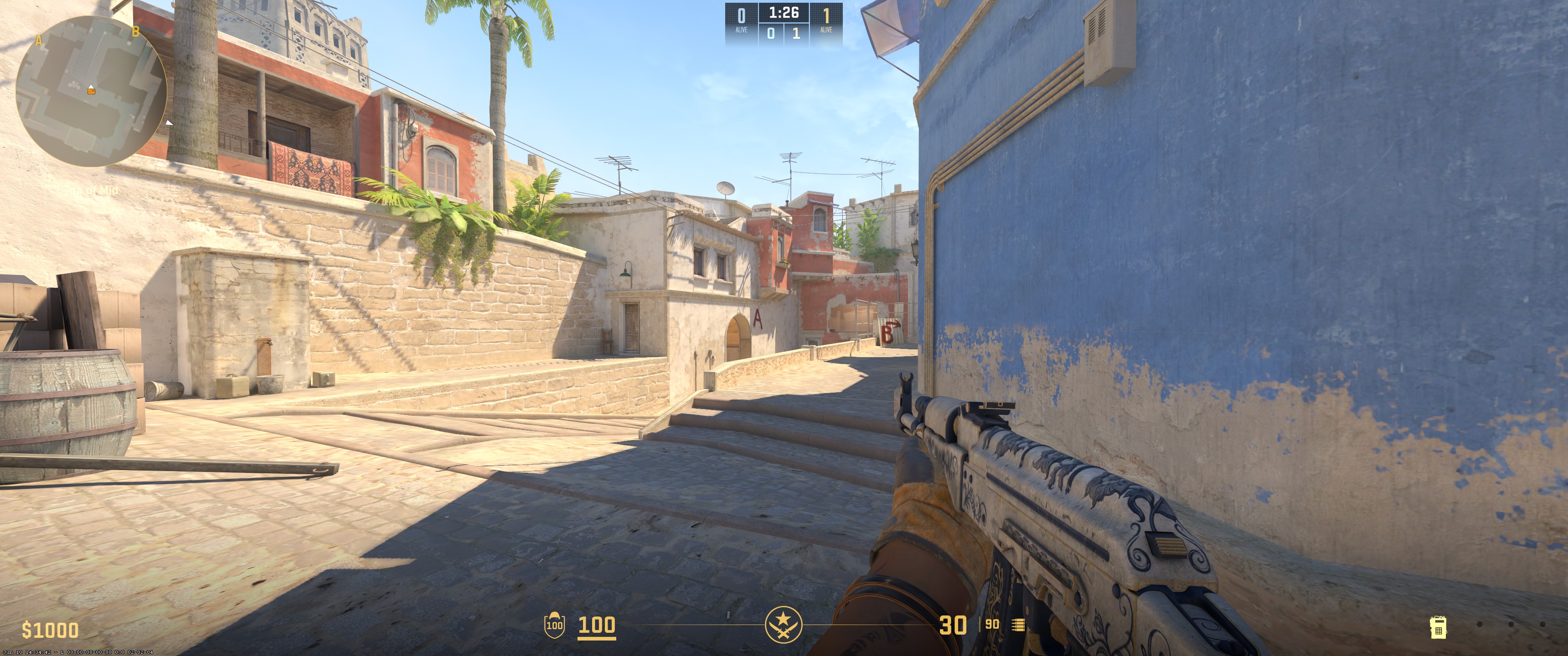
Classic Static
No
No
1
0
-4
No
1
Green
255
255
255
Yes
255
No
No
7
3
1
0.5
0.3
1
Viewmodel Settings
68
2.5
0
-1.5
3
Unknown
viewmodel_fov 68; viewmodel_offset_x 2.5; viewmodel_offset_y 0; viewmodel_offset_z -1.5; viewmodel_presetpos 3; HUD Settings
1
Light Blue
Radar Settings
Yes
Yes
Yes
1
0.5
Launch Options Settings
-noaafonts +cl_forcepreload 1 -tickrate 128 +fps_max 0 -novid -nojoy -fullscreen -limitvsconst -forcenovsync -softparticlesdefaultoff +r_dynamic 0 -freq 240 -r_emulate_gl -novid -lv 1Config Settings
Monitor Settings
Game Settings
Premium
9
11
5
Picture
FPS 2
55
53
8
Gamma 2
User Define
95
95
95
Premium
Computer Setup
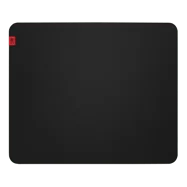
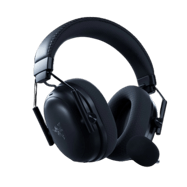
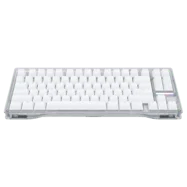

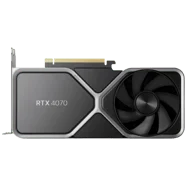
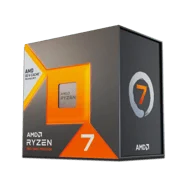
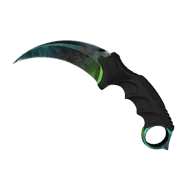
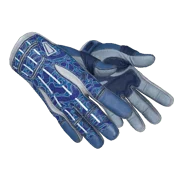




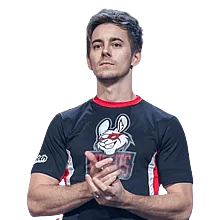

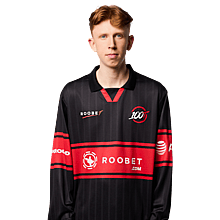
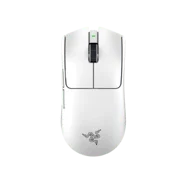
To sum things up, Ag1l runs 1280x960 stretched (4:3) with 400 DPI and 1.4 sensitivity, landing at a low 560 eDPI for controlled rifling. His Classic Static green crosshair is clean and minimal, with no outline or dot. He sticks to a standard 68 FOV viewmodel and uses aggressive launch options and NVIDIA Reflex Enabled + Boost to keep input latency low while maintaining stable performance.
Settings changed? Let us know
Update Submitted Successfully!
We have received your update request and our team will review it shortly. Your help keeps our community database accurate and up-to-date for everyone.


