
cej0t CS2 Settings
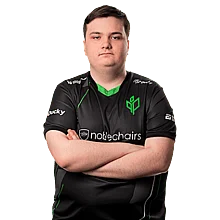
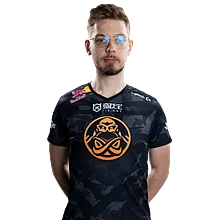
Jan “cej0t” Dyl is a CS2 pro from Poland, born in 2007. As more fans follow his matches and show interest in his setup, we’ve gathered all of cej0t’s current CS2 settings and gear in one place.
Video Settings
Video Settings
1280x960
4:3
Stretched
109%
Fullscreen
Advanced Video Settings
Enabled
Disabled
Disabled
Disabled
500
8x MSAA
High
All
Medium
Trilinear
High
Low
Medium
Quality
Disabled (Highest Quality)
Crosshair Settings
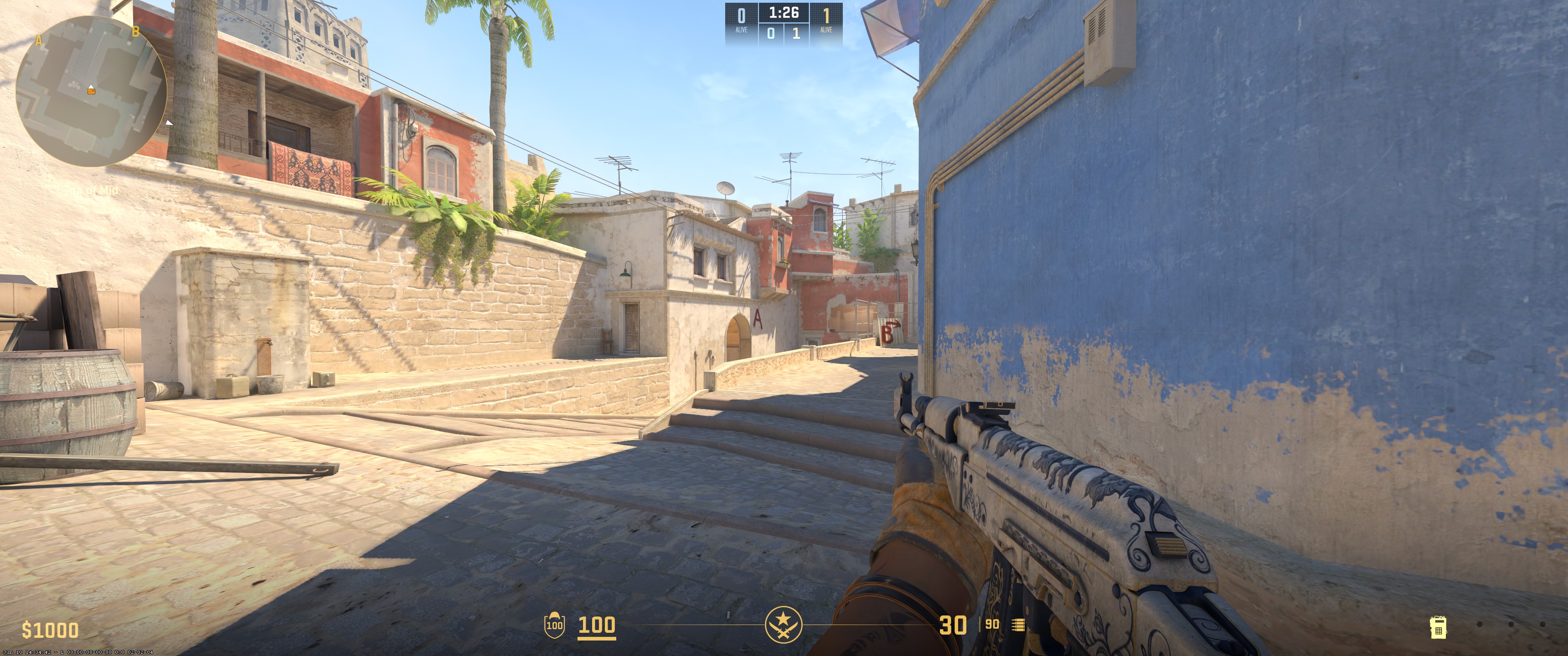
Classic Static
No
No
1
1
-4
No
1
Cyan
0
255
255
Yes
255
No
No
7
-6
1
0.5
0.3
Unknown
Viewmodel Settings
68
2.5
0
-1.5
2
Unknown
viewmodel_fov 68; viewmodel_offset_x 2.5; viewmodel_offset_y 0; viewmodel_offset_z -1.5; viewmodel_presetpos 2; HUD Settings
1.1
Blue
Radar Settings
Yes
Yes
Yes
1
0.38
Launch Options Settings
+exec cejotexec -refresh 360 -allow_third_party_softwaresConfig Settings
Monitor Settings
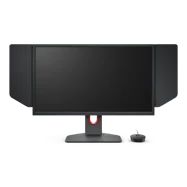
Game Settings
Premium
20
10
0
Picture
Gamer 2
63
55
8
Gamma 3
User Define
89
90
100
Premium
Computer Setup
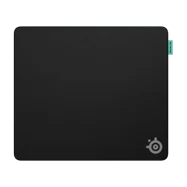
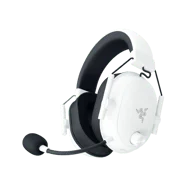
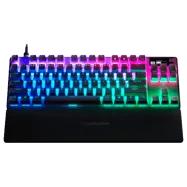

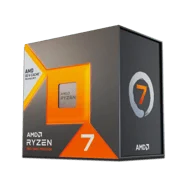

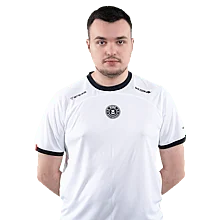
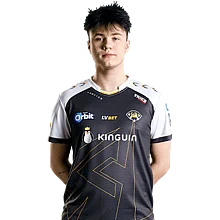
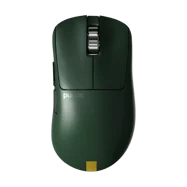
To summarize it all, cej0t uses a 1280x960 resolution with Stretched scaling and 8x MSAA anti-aliasing. He plays with 1600 DPI and a sensitivity of 0.475, giving an eDPI of 760. His crosshair is Classic Static in green with an outline. The viewmodel FOV is 68 with standard offsets. Video settings include high global shadow quality, medium model detail, trilinear texture filtering, and high shader detail. Ambient occlusion is set to medium, and FidelityFX Super Resolution is disabled.
Settings changed? Let us know
Update Submitted Successfully!
We have received your update request and our team will review it shortly. Your help keeps our community database accurate and up-to-date for everyone.


