
ForesterWHITEBIRD

Forester CS2 Settings

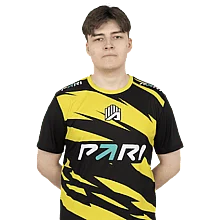
Igor “Forester” Bezotecheskiy is a CS2 pro from Russia, born in 2000. As more fans watch his matches and want to see his setup, we’ve gathered all of Forester’s current CS2 settings and gear in one place.

Igor Bezotecheskiy
January 3, 2000
WHITEBIRD WHITEBIRD
Russia Russia

Video Settings

Video Settings
1280x1024
5:4
Black Bars
130%
Fullscreen
Advanced Video Settings
Enabled
Disabled
Unknown
Unknown
Unknown
None
Low
Unknown
Low
Bilinear
Low
Unknown
Unknown
Unknown
Unknown
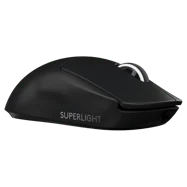
Mouse Settings

800
0.6
480.00
1.00
1000
6

Crosshair Settings

CS2 Screen
Classic Static
No
No
2
0
-1.5
No
1
Green
0
255
0
Yes
200
No
No
7
3
1
0.5
0.5
0
Edit

Viewmodel Settings

68
2.5
0
-1.5
2
False
viewmodel_fov 68; viewmodel_offset_x 2.5; viewmodel_offset_y 0; viewmodel_offset_z -1.5; viewmodel_presetpos 2; 

HUD Settings

0.85
Bright White

Radar Settings

Yes
Yes
Yes
0.925
0.35

Config Settings

Monitor Settings

Game Settings
Unknown
12
12
0
Picture
Unknown
80
50
7
Unknown
Unknown
Unknown
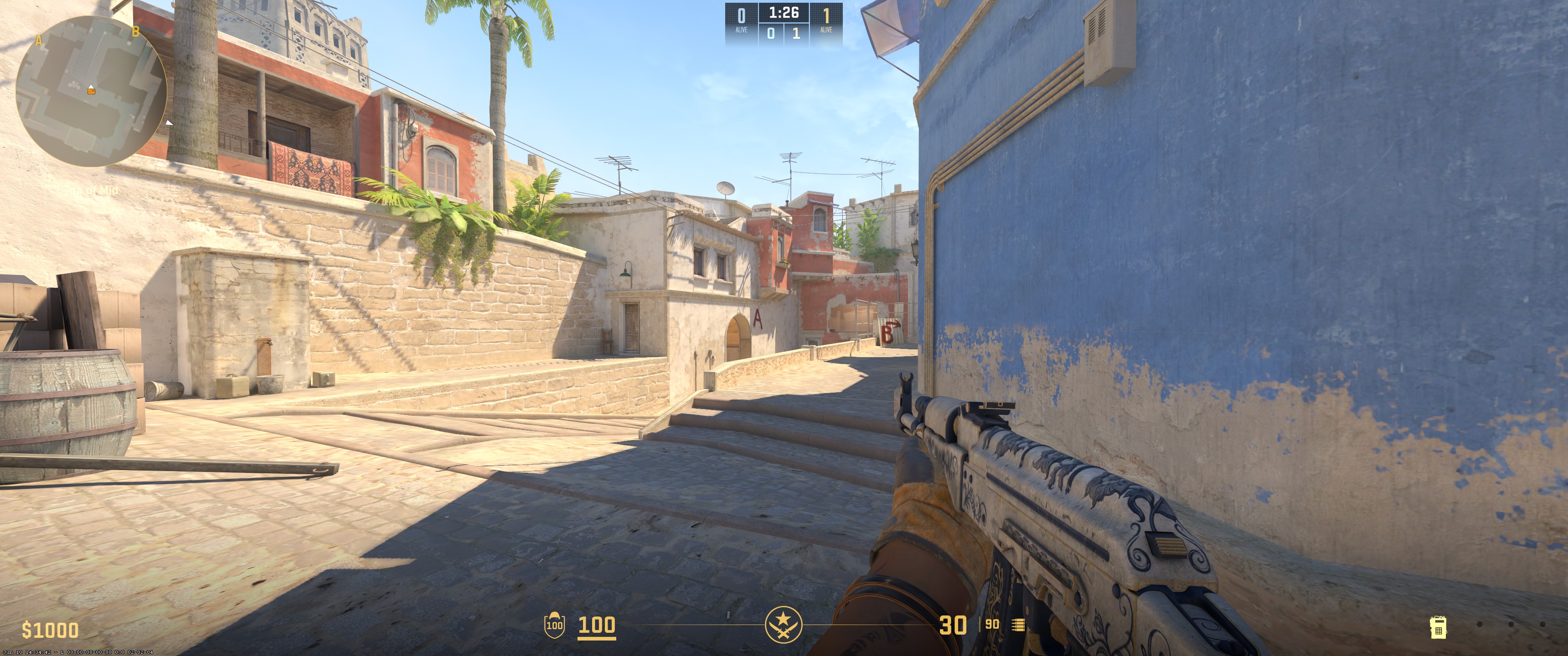
In conclusion, Forester plays on a 1280x1024 resolution with Black Bars scaling and no anti-aliasing. Texture filtering is Bilinear. Global shadow quality is Low, and model/texture detail is Low. Shader detail is Low. He uses 800 DPI with a sensitivity of 0.6. His crosshair is Classic Static in green, and his viewmodel FOV is 68.

Join CS2 Pro Course

Curious how pro players actually train and improve? Our CS2 Pro Course is built with clear, structured lessons designed to help you play better in real matches. Learn how top players shoot, think, move, and win. Ready to take your game to the next level?
Author picture

This page was researched by Daniyal Khan, content writer with over 1,500 hours of Counter-Strike 2 gameplay and over five years of gaming content creation experience. He focuses on keeping CS2 pro settings accurate and updated. If you notice any errors, please leave a comment below- we’ll verify and update the page.

Settings changed? Let us know

Update Submitted Successfully!

Notice information that doesn't match the player's current configuration? Send the correction and our team will check it.

Explain clearly what should be updated.

Where did you notice the change? Links or references make it easier for our team to confirm the update.

Community effort

CS2 settings change often. New gear, new sensitivity, different crosshair. Updates from players make it possible to keep profiles aligned with what pros actually use.

Every submission is reviewed before it goes live. We value the time you put into keeping the information reliable.


We have received your update request and our team will review it shortly. Your help keeps our community database accurate and up-to-date for everyone.

x

Enter Our Free CS2 Skin Giveaway

Exclusive Skins
Monthly Draws
Easy Entry
Join the Giveaway

Leave a Reply

Your email address will not be published. Required fields are marked *