
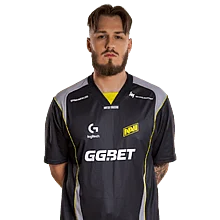

jL CS2 Settings
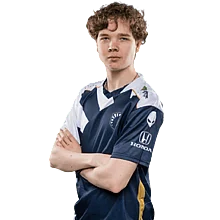
Justinas “jL” Lekavicius is a Lithuanian CS2 player who earned a Major MVP title and continues to make his mark internationally. As his profile grows, many players look to his setup for inspiration. To make it simple, we’ve prepared all of jL’s current CS2 settings and gear below.

Video Settings
Video Settings
1280x960
4:3
Stretched
93%
Fullscreen
Advanced Video Settings
Disabled
Disabled
Enabled
Disabled
503
2x MSAA
High
All
Medium
Anisotropic 4x
Low
Low
Medium
Quality
Disabled (Highest Quality)
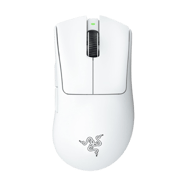
Crosshair Settings
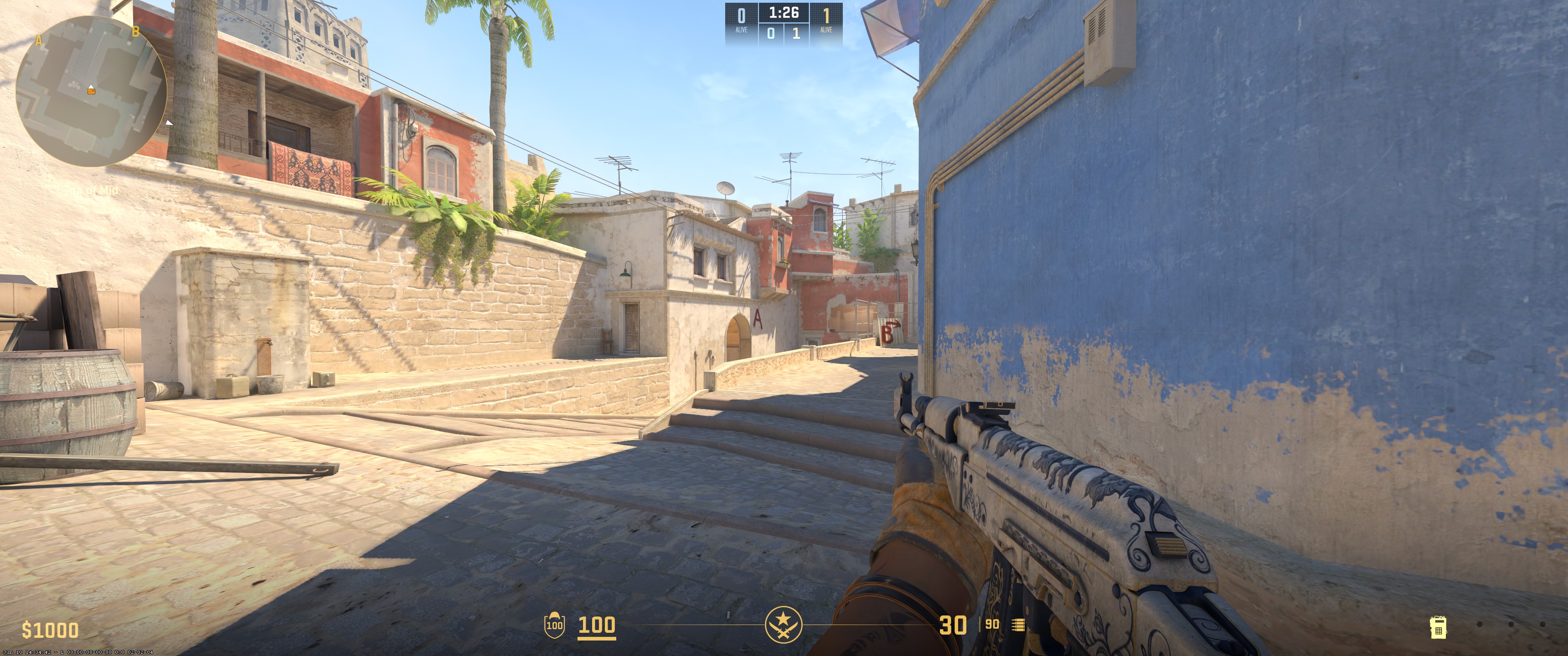
Classic Static
No
No
1.4
0.4
-2.7
No
1
Custom
0
255
135
Yes
255
No
No
7
3
1
0.5
0.3
0
Viewmodel Settings
68
2.5
2
-2
1
False
viewmodel_fov 68; viewmodel_offset_x 2.5; viewmodel_offset_y 2; viewmodel_offset_z -2; viewmodel_presetpos 1; HUD Settings
1
Purple
Radar Settings
Yes
Yes
Yes
1
0.4
Launch Options Settings
Does not use any Launch OptionsConfig Settings
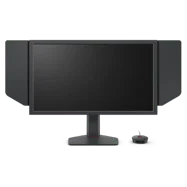
Monitor Settings
Game Settings
Premium
5
13
0
Picture
FPS 1
100
60
10
Gamma 3
User Define
80
82
100
High
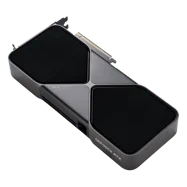
Computer Setup

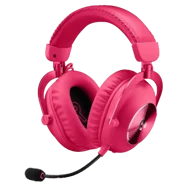
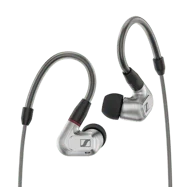
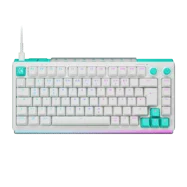
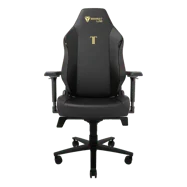
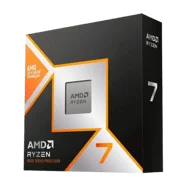
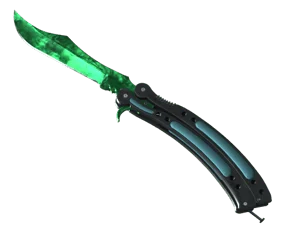
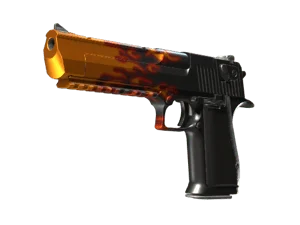
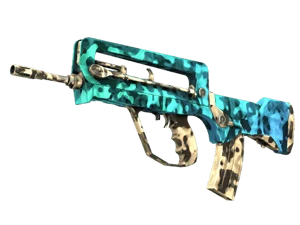
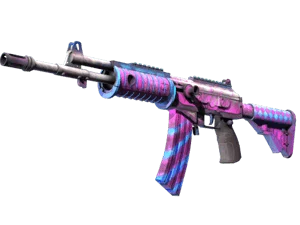
Skins
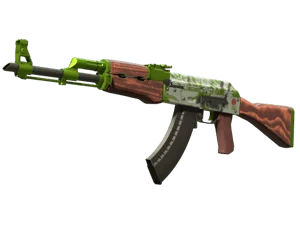
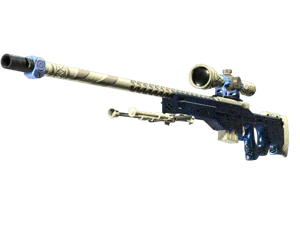
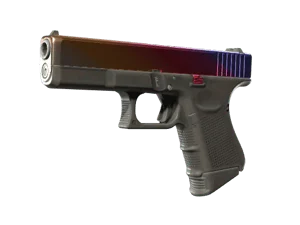
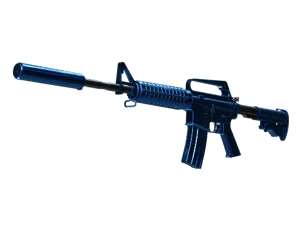
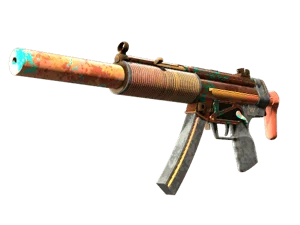
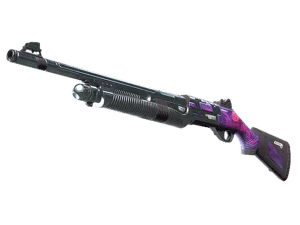
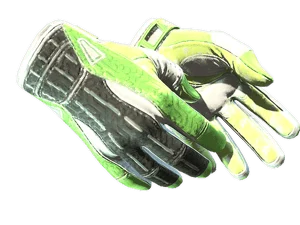
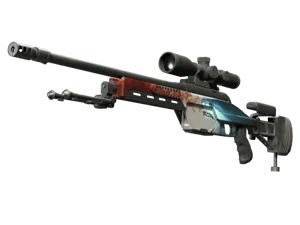
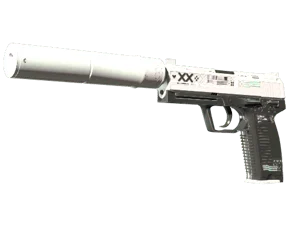
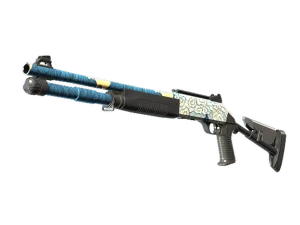
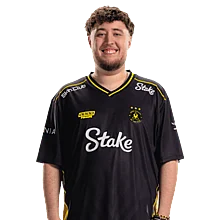


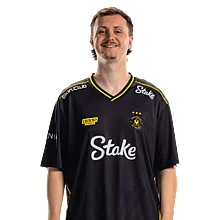

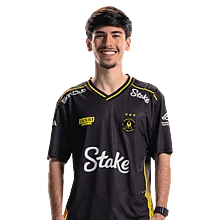

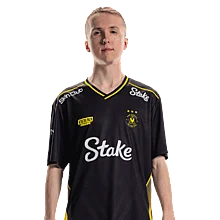

In short, jL plays on a 1280x960 resolution with stretched scaling mode and uses 4x MSAA anti-aliasing. His texture filtering is anisotropic 4x, global shadow quality is high, and model/texture detail are set to high. Shader detail and particle detail are also set to high, while ambient occlusion is set to medium. His mouse is set at 800 DPI with 1 sensitivity. The crosshair is classic static, and the viewmodel FOV is 68.
Settings changed? Let us know
Update Submitted Successfully!
We have received your update request and our team will review it shortly. Your help keeps our community database accurate and up-to-date for everyone.


jL’s been fun to watch lately. Good to have all his settings and gear listed like this- quick and useful.