
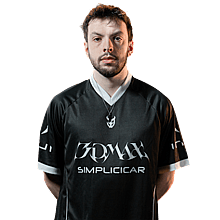

Lucky CS2 Settings
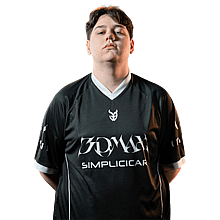
Lukas “Lucky” Chastang is a CS2 pro from France, born in 1998. As more fans watch his matches and look for details on his setup, we’ve gathered all of Lucky’s current CS2 settings and gear in one place.

Video Settings
Video Settings
1280x960
4:3
Stretched
70%
Fullscreen
Advanced Video Settings
Disabled
Disabled
Enabled
Disabled
0
4x MSAA
High
All
High
Anisotropic 4x
High
High
Medium
Quality
Disabled (Highest Quality)
Crosshair Settings
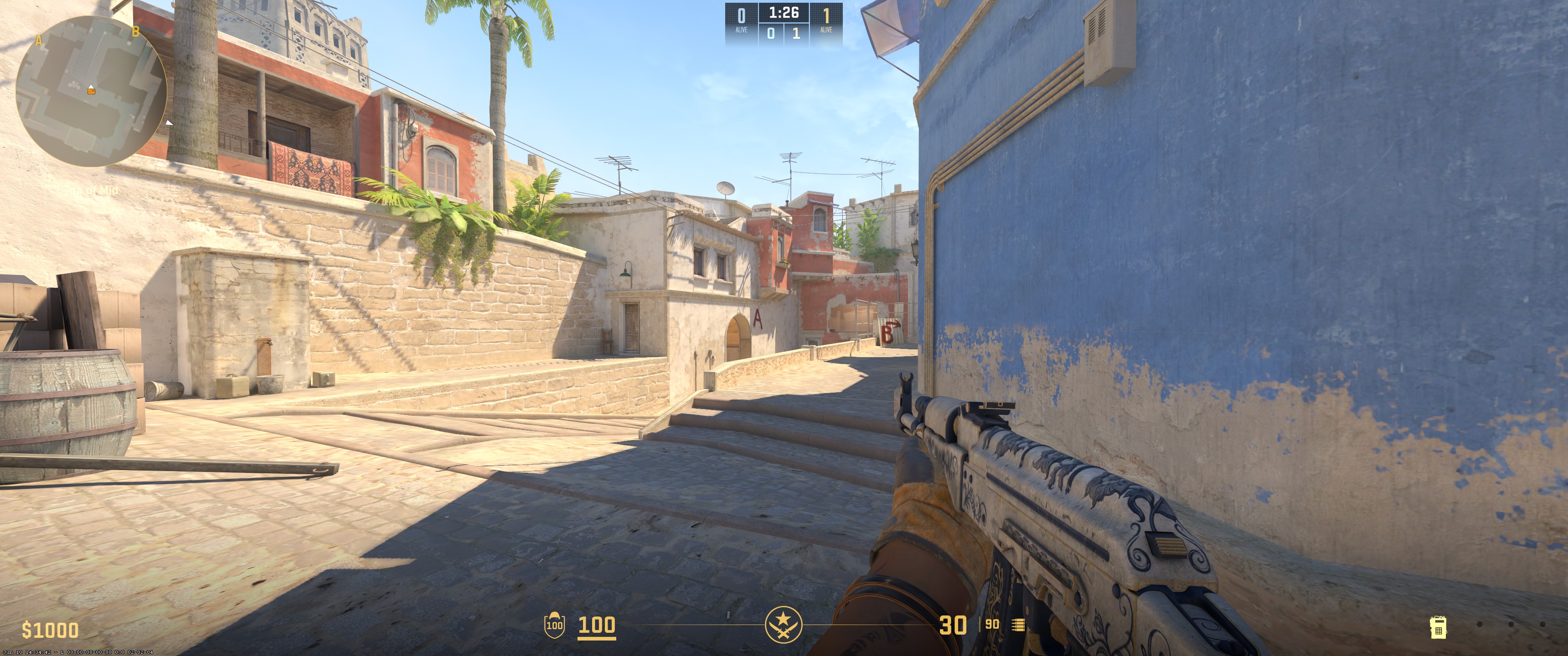
Classic Static
No
Yes
1
0
-3
Yes
0.5
Custom
0
255
0
Yes
200
No
No
7
-3.5
1
0.5
0.3
1
Viewmodel Settings
68
0
-2
-2
1
Unknown
viewmodel_fov 68; viewmodel_offset_x 0; viewmodel_offset_y -2; viewmodel_offset_z -2; viewmodel_presetpos 1; HUD Settings
1
Team Color
Radar Settings
Yes
Yes
Yes
1
1
Config Settings
Monitor Settings

Game Settings
Premium
10
10
0
Picture
FPS 2
83
50
8
Gamma 3
User Define
78
85
100
High
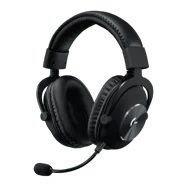
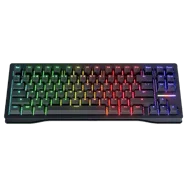
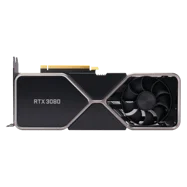
Computer Setup

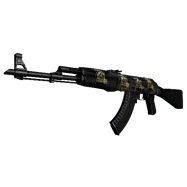
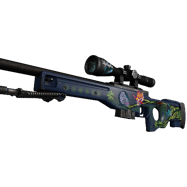
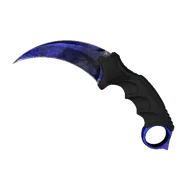
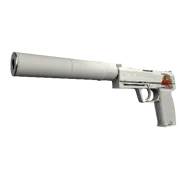
Skins
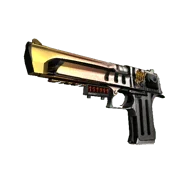
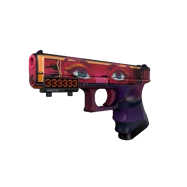
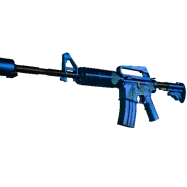
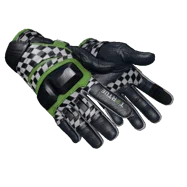
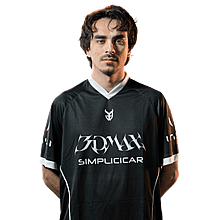
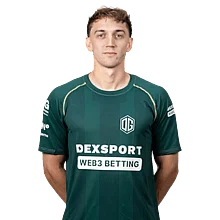
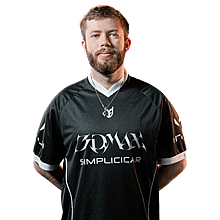
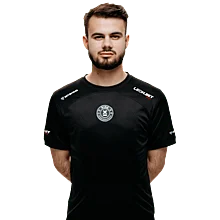
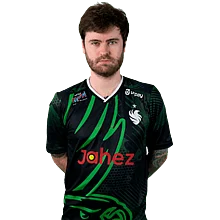
To summarize it all, Lucky plays on a 1280x960 resolution with Stretched scaling and 4x MSAA anti-aliasing. Texture filtering is set to Anisotropic 4x. Global shadow quality is High, model/texture detail is High, and shader detail is High. He uses 800 DPI with a sensitivity of 1. His crosshair is Classic Static with a custom green color and outline, and his viewmodel FOV is 68.
Settings changed? Let us know
Update Submitted Successfully!
We have received your update request and our team will review it shortly. Your help keeps our community database accurate and up-to-date for everyone.


