


Xyp9x CS2 Settings
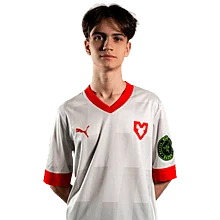
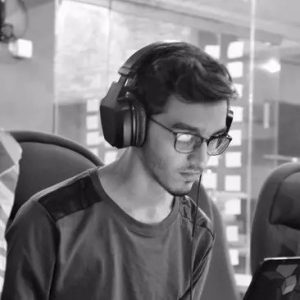
Andreas “Xyp9x” Højsleth is a Danish CS2 pro recognized for his clutch play and long career at the top level. As fans continue to follow his matches and look for the details behind his setup, we’ve gathered all of Xyp9x’s current CS2 settings and gear in one place.

Video Settings
Video Settings
1680x1050
16:10
Stretched
93%
Fullscreen
Advanced Video Settings
Enabled
Disabled
Disabled
Disabled
600
8x MSAA
High
All
Medium
Bilinear
Low
Low
Medium
Quality
Disabled (Highest Quality)
Crosshair Settings
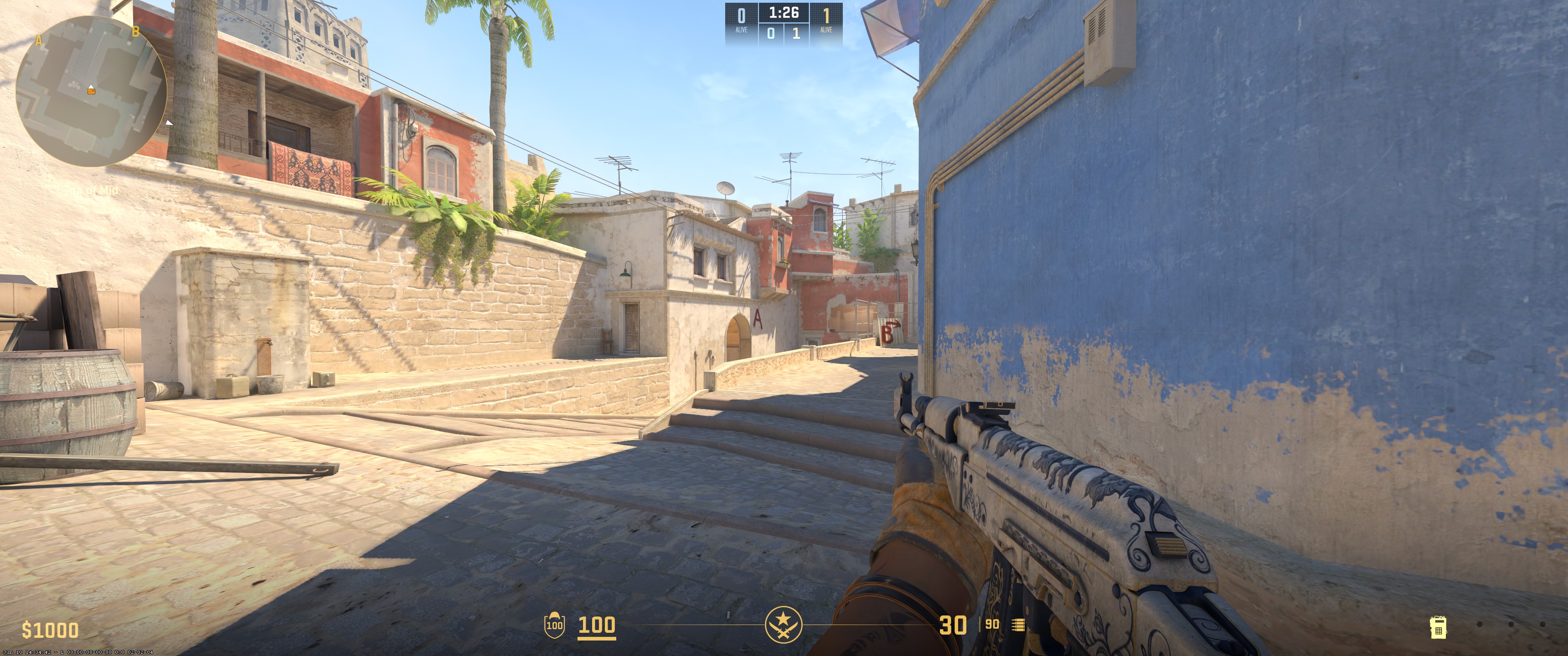
Classic Static
No
No
2.5
1
-2.5
No
1
Green
0
255
0
Yes
200
No
No
7
3
1
0.5
0.5
0
Viewmodel Settings
68
2.5
0
-1.5
2
False
viewmodel_fov 68; viewmodel_offset_x 2.5; viewmodel_offset_y 0; viewmodel_offset_z -1.5; viewmodel_presetpos 2; HUD Settings
0.95
Green
Radar Settings
Yes
No
Yes
1
0.7
Launch Options Settings
-freq 240 -console -novid -tickrate 128Config Settings
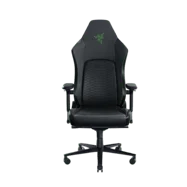
Computer Setup





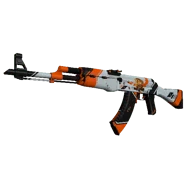
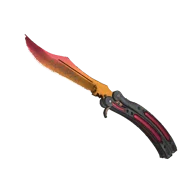
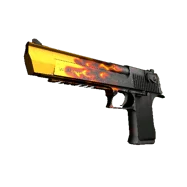
Skins






To sum it up, Xyp9x uses a 1680x1050 resolution with Stretched scaling and 8x MSAA for anti-aliasing. Texture filtering is set to Bilinear. Global shadow quality is High, and model/texture detail is Medium. Shader detail is Low. He plays with 400 DPI and a sensitivity of 2. His crosshair is Classic Static in green, and his viewmodel FOV is 68.
Settings changed? Let us know
Update Submitted Successfully!
We have received your update request and our team will review it shortly. Your help keeps our community database accurate and up-to-date for everyone.


