The “infinite time” command in CS2 lets you make a practice round last as long as 60 minutes without ending early. This is perfect for learning maps, practicing aiming, or testing strategies without rushing. These commands only work in offline games, private matches, or special community servers; you cannot use them in official matches.
Commands to Achieve Max Round Time for Practice
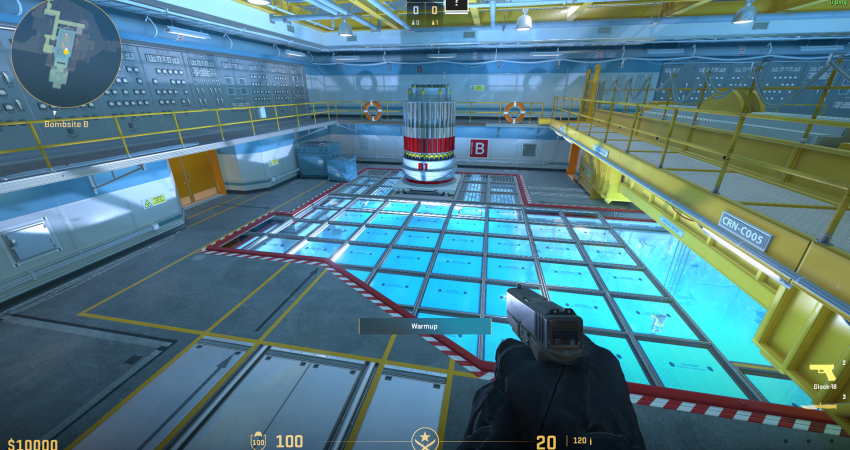
To get virtually unlimited time, you must enable cheat mode and use mode-specific commands to set the round length to 60 minutes.
1. Enable Cheats and Set Round Time
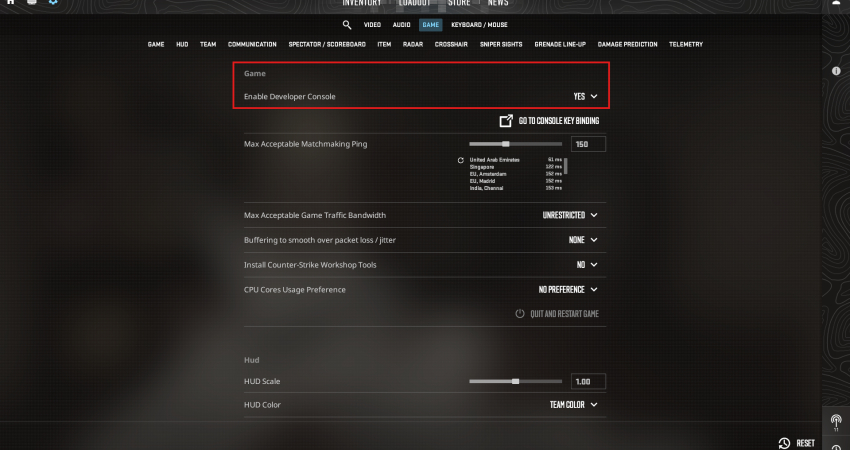
First, you must enable the developer console (~) and start your private match.
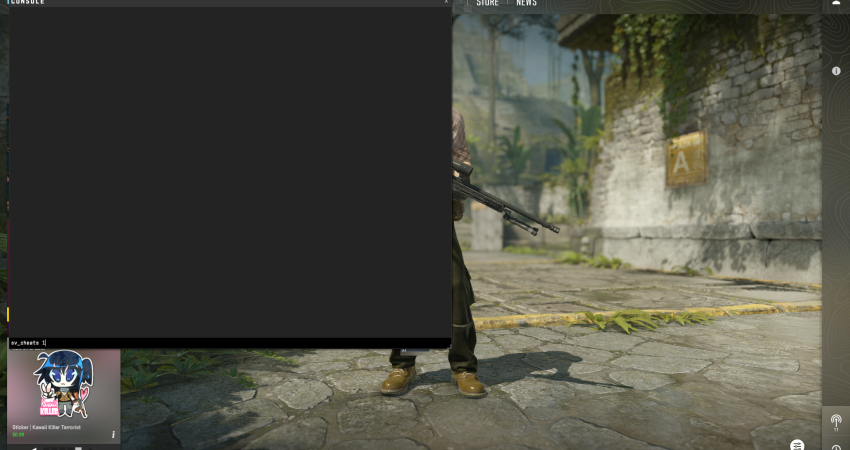
- Enable Cheats: Type sv_cheats 1 and press Enter. This is required for all advanced practice commands.
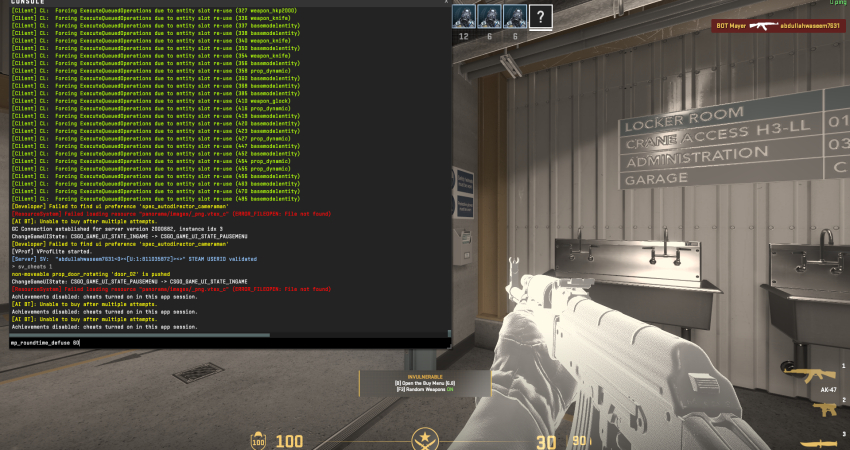
- Set Round Time: Use the command mp_roundtime_defuse 60 (for Bomb Defusal maps) or mp_roundtime_hostage 60 (for Hostage maps). The maximum accepted value is 60 minutes.
[RELEVANT: How To Get Better in CS2?]
Conclusion
Using infinite time commands is a great way to practice without worrying about the round ending. You can try out strategies, practice shots, and explore maps at your own pace. Always use these commands only in offline or private games, never in regular CS2 matches, or your account could be in trouble.