In CS2, API scams are a big danger where hackers try to steal your Steam Web API key to take your skins and items. These scams often start with fake websites that trick you into giving away your login details. Knowing how to protect your account is the best way to keep your inventory safe.
Essential Steps to Avoid API Scams
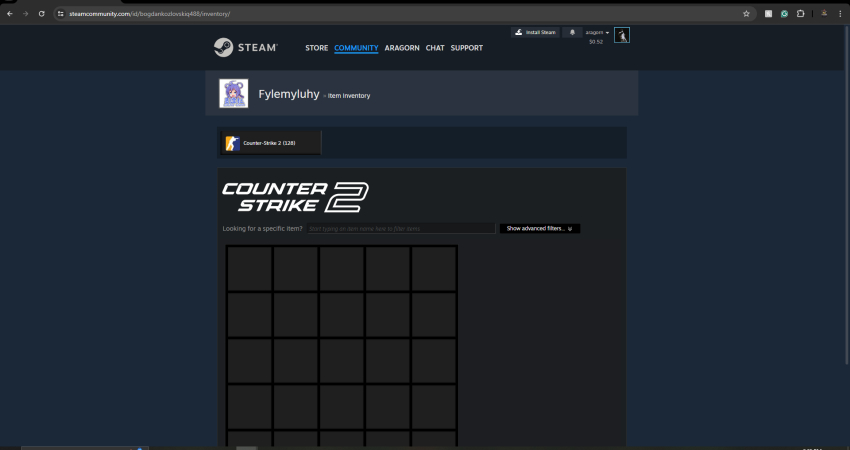
Defense against an API scam relies on three critical layers: login protection, API key management, and strict verification of all outgoing trades.
1. Secure Your Login Credentials
The API key can only be created after the scammer obtains your password and 2FA code via a fake site.
- Enable Steam Guard: Always use the Steam Guard Mobile Authenticator for all logins and trade confirmations.
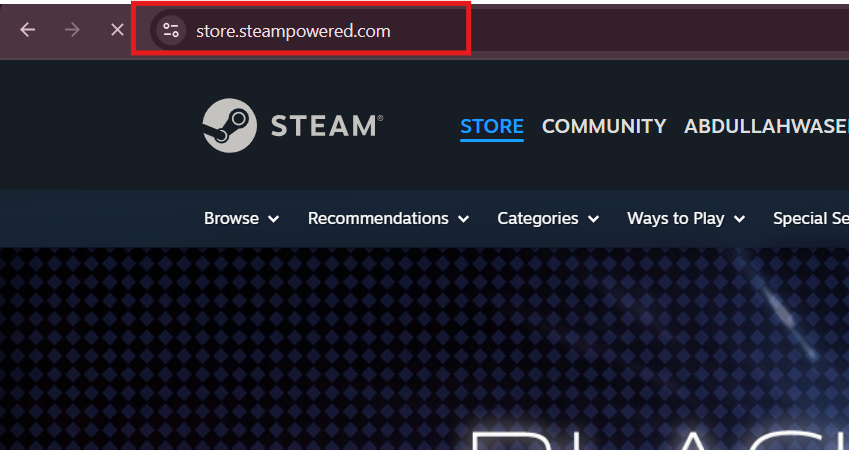
- Verify URLs: Always double-check the URL of any site asking for your Steam login, ensuring it is the legitimate store.steampowered.com domain.
2. Check & Revoke Your API Key
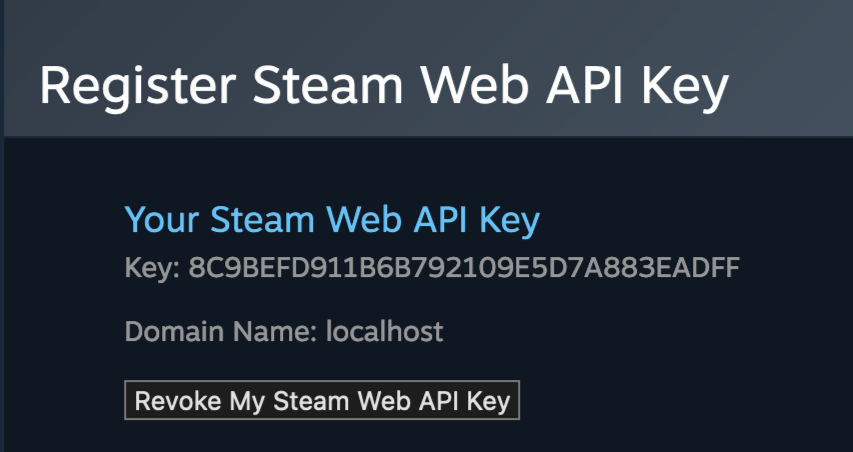
If you suspect your account has been compromised, checking for a rogue API key is the most critical step.
- Check Key: Visit the official Steam API page. If a key is present and you didn’t create it, your account is compromised.
- Revoke Access: Immediately click “Revoke My Steam Web API Key,” then change your Steam password to invalidate all active sessions.
3. Triple-Check Trade Confirmation
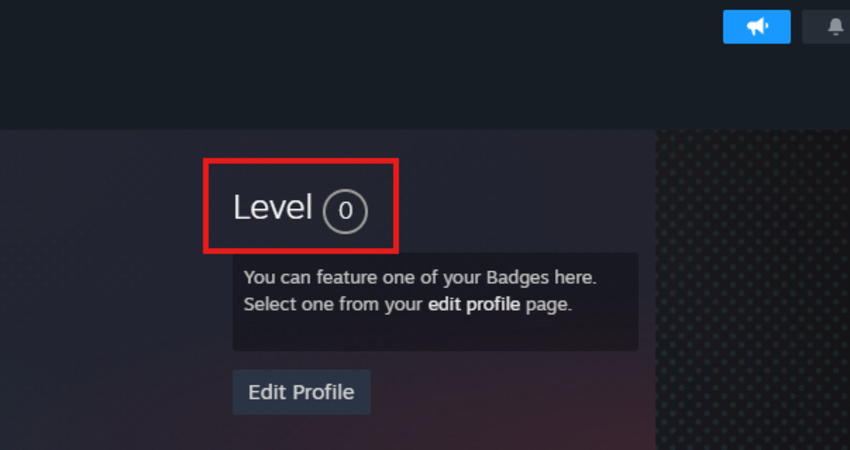
The bot replaces your original trade with an identical-looking fake one to its own account.
- Verify Profile: When confirming on the Steam Mobile App, check the recipient’s Steam Level and Account Join Date; the bot’s fake account will usually have a low level.
- Check History: Ensure no canceled trade offer in your trade history matches the one you are confirming, as this is a sign of the scammer’s bot.
[RELEVANT: How To Get Better in CS2?]
Conclusion
Your Steam account and CS2 items are valuable, so keeping them safe is very important. By following these steps, protecting your login, checking your API key, and carefully confirming trades, you can avoid scams and make sure your skins stay yours.