
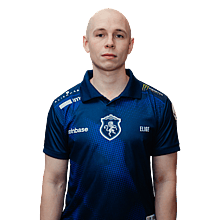

EliGE CS2 Settings
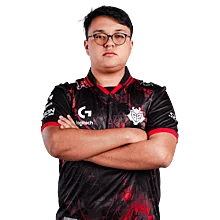
Jonathan “EliGE” Jablonowski is an American CS2 pro player who’s been a exceptional figure in North American Counter-Strike for years. His impact on teams like Liquid is well known, and many look to his setup for ideas. That’s why we’ve brought together all of EliGE’s current CS2 settings and gear for you to explore.

Video Settings
Video Settings
1920x1080
16:9
Native
97%
Fullscreen
Advanced Video Settings
Enabled
Disabled
Enabled
Disabled
999
2x MSAA
High
All
Low
Bilinear
Low
Low
Medium
Quality
Disabled (Highest Quality)
Viewmodel Settings
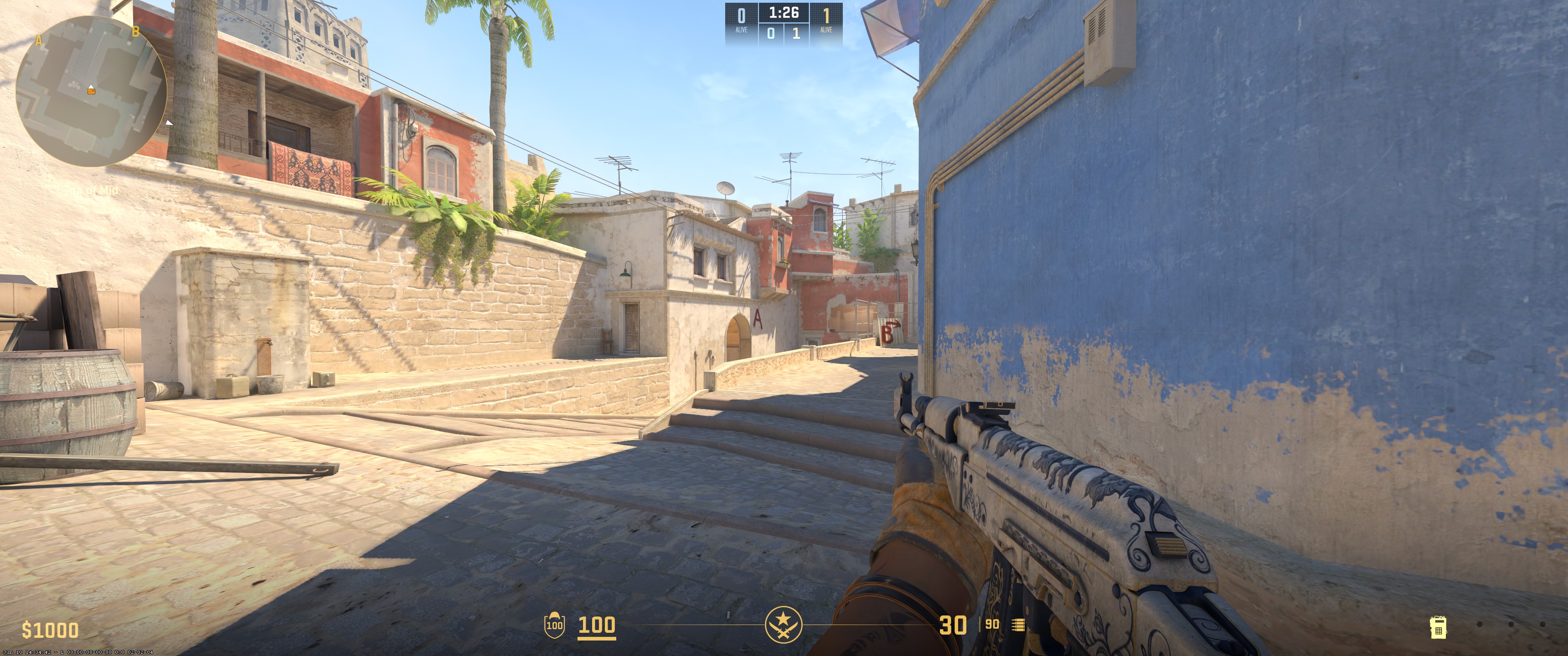
68
1
2
-1
False
viewmodel_fov 68; viewmodel_offset_x 1; viewmodel_offset_y 2; viewmodel_offset_z -1; HUD Settings
0.9
Light Blue
Radar Settings
Yes
Yes
No
1.15
0.7
Launch Options Settings
+autoexec.cfg +sv_cheats 1Config Settings
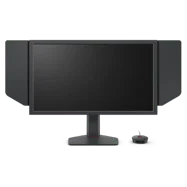
Monitor Settings
Game Settings
Premium
12
8
10
Picture
FPS 1
65
50
7
Gamma 3
User Define
75
83
100
Premium
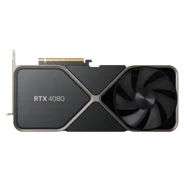
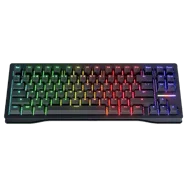
Computer Setup
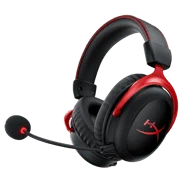
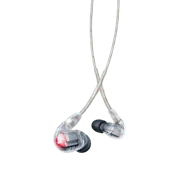
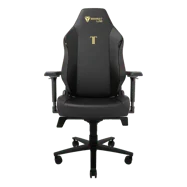

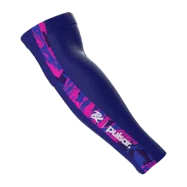
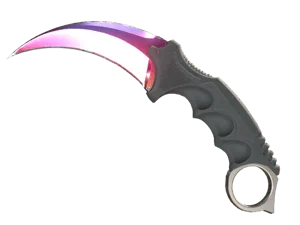
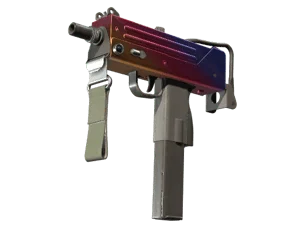
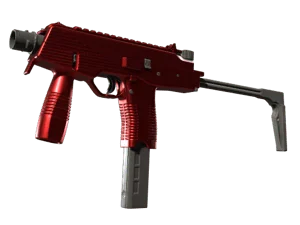
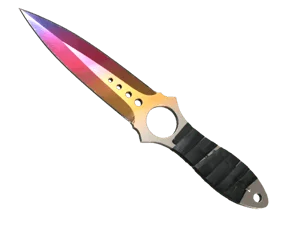
Skins
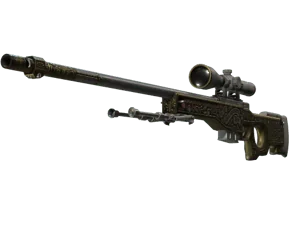
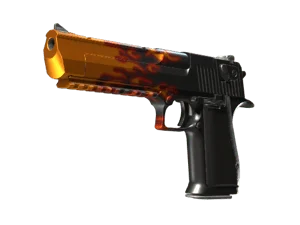
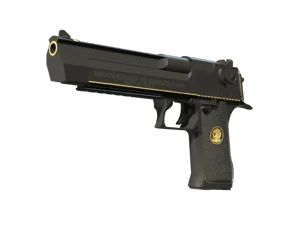
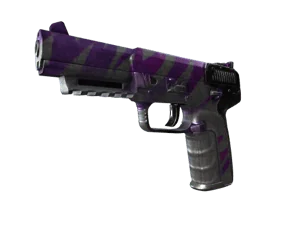
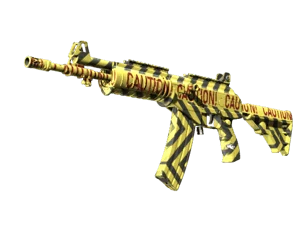
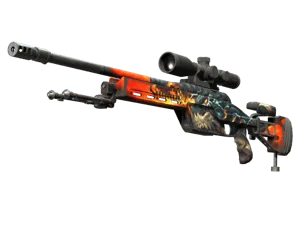
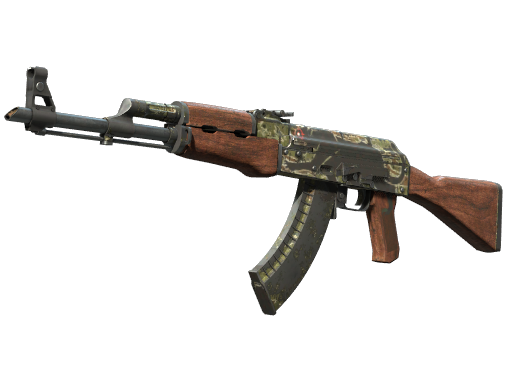
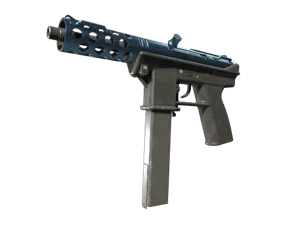



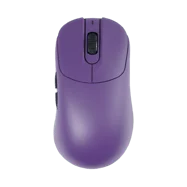
To wrap up, EliGE plays on 1680x1050 resolution with stretched scaling and 4x MSAA for anti-aliasing. Texture filtering is set to bilinear. Global shadow quality is high, model and texture detail are both medium, and shader detail is low. Ambient occlusion is set to medium. He uses 1600 DPI with a sensitivity of 0.74. His crosshair is classic static in cyan with a dot, and his viewmodel FOV is 68.
Settings changed? Let us know
Update Submitted Successfully!
We have received your update request and our team will review it shortly. Your help keeps our community database accurate and up-to-date for everyone.


Wanted to test his crosshair and it actually feels really good.