
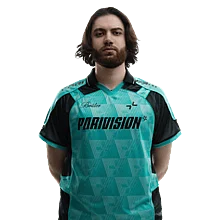

Jame CS2 Settings
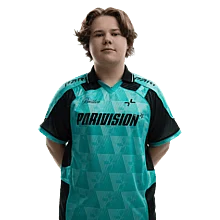
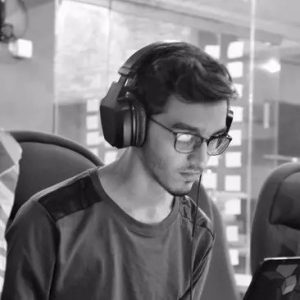
Dzhami “Jame” Ali is a Russian pro CS2 player known for his smart play and impressive results on the international stage. He’s built a reputation for his AWP skills and leadership in high-pressure matches. For those interested in his setup, we’ve collected Jame’s current CS2 settings and gear so you can see what he uses in-game.
Video Settings
Video Settings
1280x960
4:3
Stretched
93%
Fullscreen
Advanced Video Settings
Enabled
Disabled
Disabled
Disabled
400
2x MSAA
High
All
Low
Bilinear
Low
Low
Medium
Performance
Disabled (Highest Quality)
Crosshair Settings
Classic Static
No
Yes
0
0
-3
Yes
1
Custom
250
250
250
Yes
255
No
No
3
3
0
1
1
0
Viewmodel Settings
68
2.5
0
-1.5
2
False
viewmodel_fov 68; viewmodel_offset_x 2.5; viewmodel_offset_y 0; viewmodel_offset_z -1.5; viewmodel_presetpos 2; HUD Settings
0.95
Team Color
Radar Settings
Yes
Yes
Yes
1.3
1.00
Launch Options Settings
Does not use any Launch OptionsConfig Settings
Monitor Settings
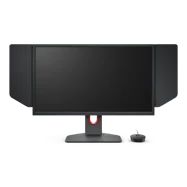
Game Settings
Premium
10
14
0
Picture
Gamer 1
80
50
7
Gamma 3
User Define
100
100
100
Premium
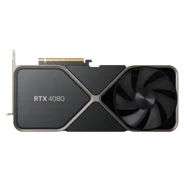
Computer Setup
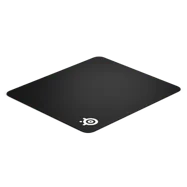
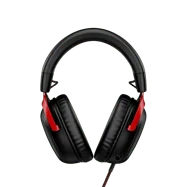
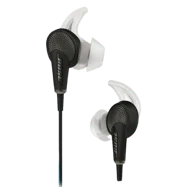
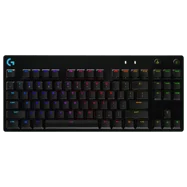
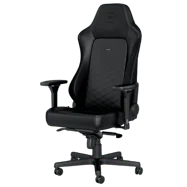

Skins
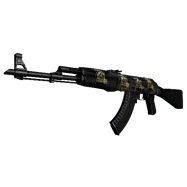
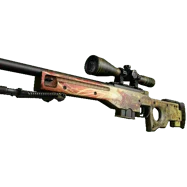
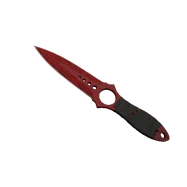
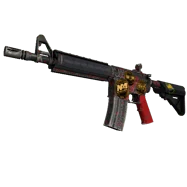

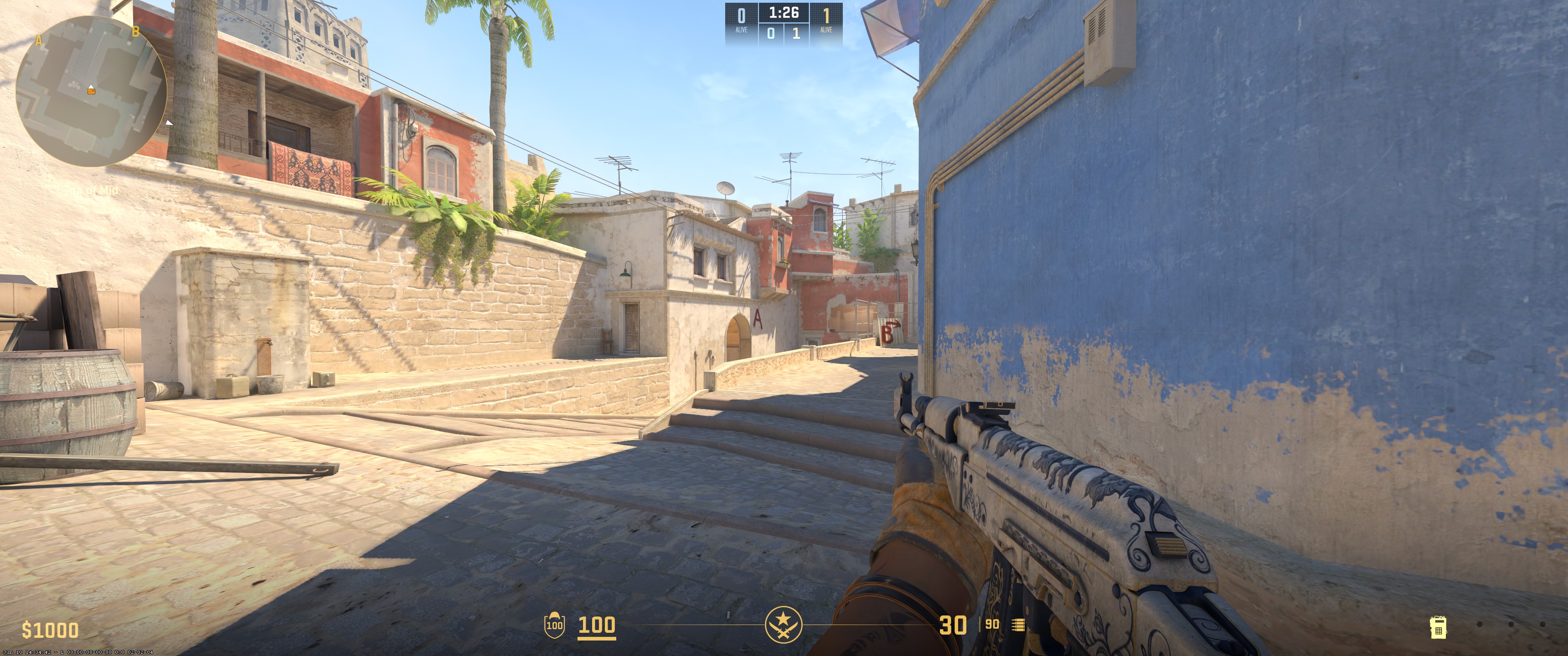
To wrap up, Jame plays on 1280x960 resolution with stretched scaling mode and 2x MSAA for anti-aliasing. Texture filtering is set to bilinear, global shadow quality is very high, and model/texture detail is low. Shader detail and particle detail are both low, with ambient occlusion set to high. His mouse uses 3200 DPI with a 0.3 sensitivity. The crosshair style is classic static with a custom green color and a dot, and the viewmodel FOV is 68.
Settings changed? Let us know
Update Submitted Successfully!
We have received your update request and our team will review it shortly. Your help keeps our community database accurate and up-to-date for everyone.


