
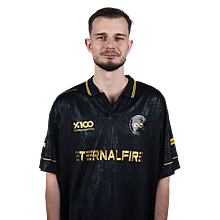

rigoN CS2 Settings
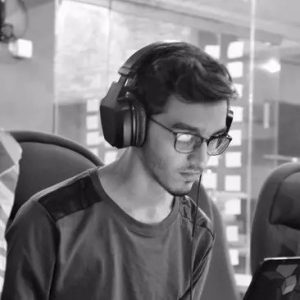
Rigdon “rigoN” Gashi is a Swiss-Kosovar pro CS2 player who has built his name with strong results in the pro scene. His setup often comes up in conversations among players looking for new ideas. For convenience, we’ve gathered rigoN’s current CS2 settings and gear for anyone who wants to see his configuration.

Video Settings
Video Settings
1440x1080
4:3
Stretched
95%
Fullscreen
Advanced Video Settings
Enabled
Disabled
Enabled
Unknown
Unknown
4x MSAA
High
Unknown
Low
Anisotropic 16x
Low
Low
High
Performance
Disabled (Highest Quality)
Crosshair Settings
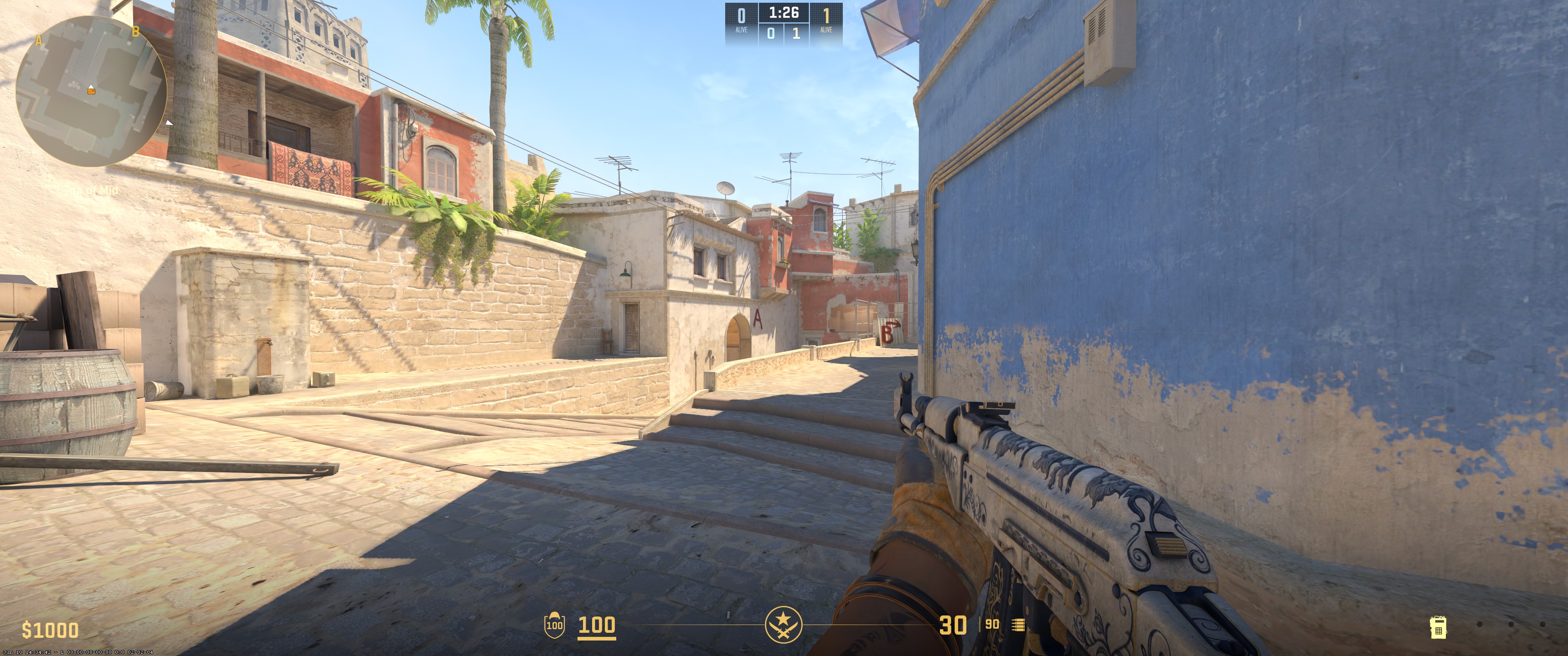
Classic Static
No
No
0.9
0.9
-6
No
1
Green
255
255
255
Yes
255
No
No
3
3
0
1
1
0
Viewmodel Settings
68
2.5
0
-1.5
2
False
viewmodel_fov 68; viewmodel_offset_x 2.5; viewmodel_offset_y 0; viewmodel_offset_z -1.5; viewmodel_presetpos 2; HUD Settings
1.01
White
Radar Settings
Yes
Yes
Yes
1.0
0.35
Launch Options Settings
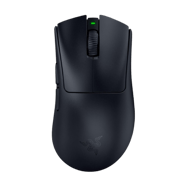
-freq 240 -novid -nojoy -noforcemaccel -noforcemparms -noforcemspd -tickrate 128 -allow_third_party_software -highConfig Settings
Monitor Settings
Game Settings
Premium
11
8
1
Picture
FPS 1
100
50
10
Gamma 2
Normal
High
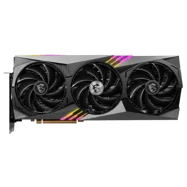
Computer Setup
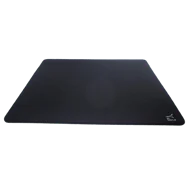
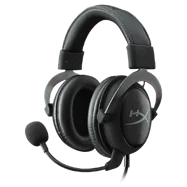
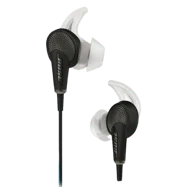
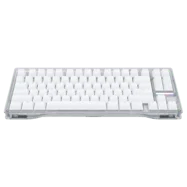

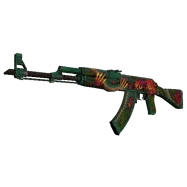
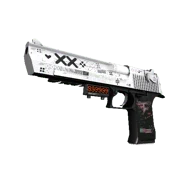
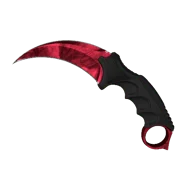
Skins
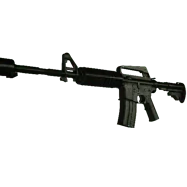
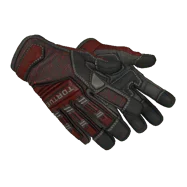
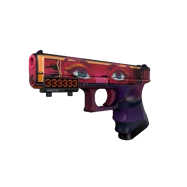
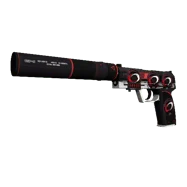









To wrap up, rigoN uses a 1440x1080 resolution with stretched scaling and 4x MSAA for anti-aliasing. Texture filtering is set to anisotropic 16x. Global shadow quality is high, model and texture detail are both low, and shader detail is low. Ambient occlusion is set to high. He uses 400 DPI with a sensitivity of 1.7. His crosshair is classic static in green, and his viewmodel FOV is 68.
Settings changed? Let us know
Update Submitted Successfully!
We have received your update request and our team will review it shortly. Your help keeps our community database accurate and up-to-date for everyone.


